A homeowner searching for someone to take down a dead oak this weekend almost never scrolls past the map results.
That's the moment a tree service Google Business Profile earns or loses the call, and most of the fixes that move it are things Google documents plainly rather than tricks anyone has to guess at.
The first decision is which kind of profile to run, and getting it wrong confuses everything that comes after.
What a tree service Google Business Profile needs first
Google splits businesses into three types. A storefront serves customers at a fixed address.
The middle type is the one that fits a tree crew. A service-area business "visits or delivers to customers directly, but doesn't serve customers at its business address." The truck goes to the job, not the other way round.
Hybrid businesses do both, the way an auto shop might also run roadside calls. Choosing storefront instead, just to show an address, plants the wrong signal from day one.
| Type | Who travels | Address shown publicly |
|---|---|---|
| Storefront | Customer comes to you | Yes |
| Service-area | You go to the customer | No |
| Hybrid | Both | Yes |
We built a growth platform for a tree service business around exactly this distinction, treating the profile as a working channel rather than a form filled in once and left alone.
Draw the service area with cities, not a radius
Once the business type is set, Google caps the profile at 20 service areas, and each one has to be a named place: a city, a postal code, or another defined boundary. A radius drawn around the yard isn't an option anymore.
There's a soft limit behind that hard one. Google recommends the outer edge of the whole territory sit within roughly two hours' driving time of where the business is based.
Claim ground further out than that and the listing starts to look like it's reaching past what the crew can actually cover.
Edits here take up to 48 hours to show, so give it a day before making more changes.
For the ranking picture beyond the profile itself, our tree service SEO guide covers what happens once the area and category are set correctly.
List services and let reviews do the rest

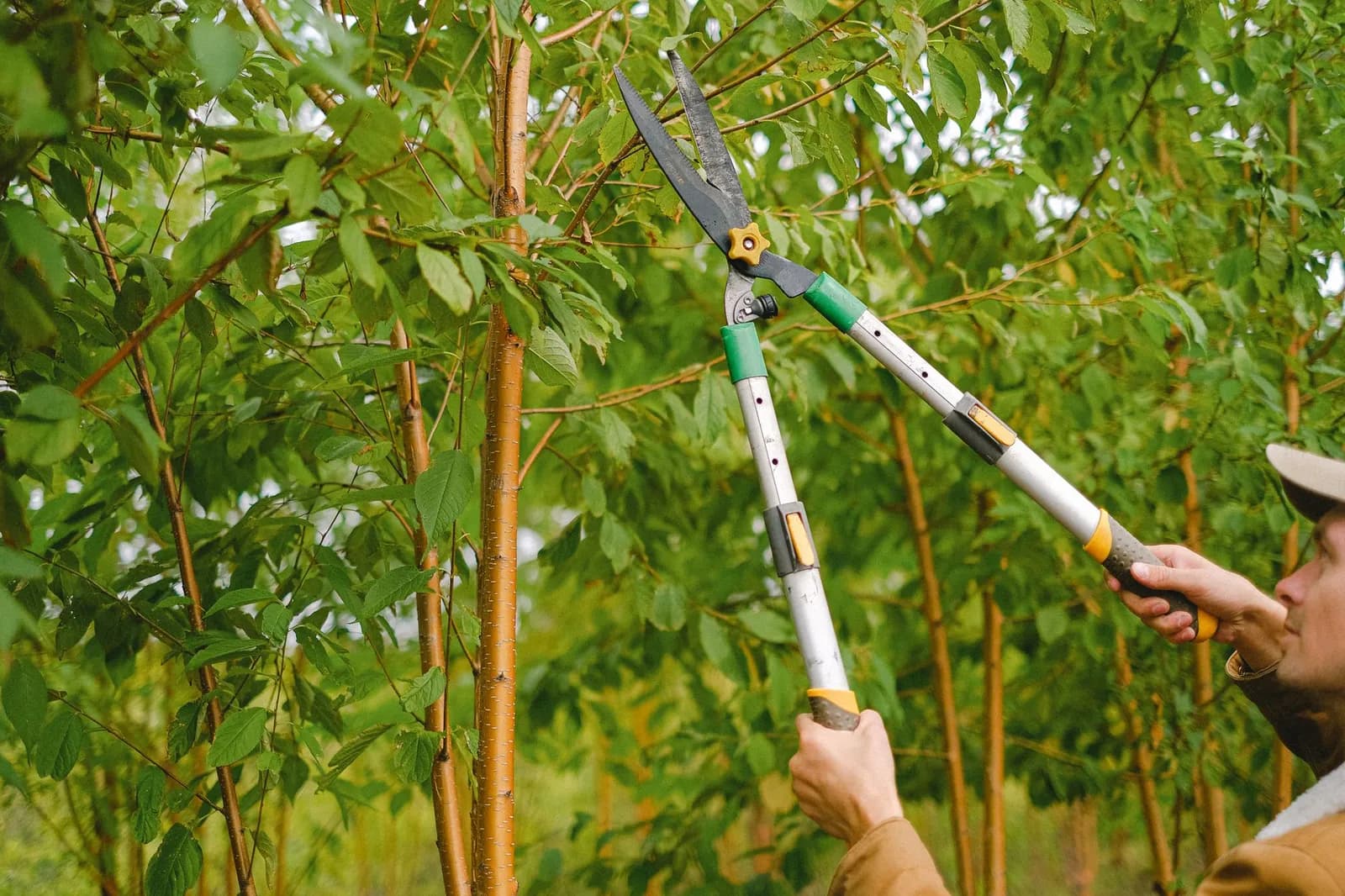
Photo by Darlene Alderson on Pexels
Each service gets a custom name capped at 122 characters, and Google is specific about what can't be in it: no profanity, no gibberish, no personal information, no prices, no phone numbers.
A listing named "Emergency Storm Cleanup, Call Us Now" would get rejected the moment a reviewer spots the phone number tacked onto the end.
Group the list the way a search works, not the way an invoice reads. Tree removal, stump grinding, tree trimming and plant health care are separate entries because they're separate searches, even when one crew handles all four on the same visit.
Reviews carry real weight, and Google is blunt about what not to do with them. Offering a discount or a free job in exchange for a good review, or for pulling down a bad one, counts as fake and misleading content, full stop.
What the guidance does recommend is simpler: ask directly, through a link or a QR code, and reply to what comes back. Keep the reply short, use the reviewer's name, skip the sales pitch since they've already bought, and answer fast.
A profile with fifty five-star reviews and no replies reads differently to a homeowner than one where the owner is visibly still showing up.
That kind of ongoing upkeep is what our digital marketing and growth team handles, alongside steady tree service marketing that keeps new jobs, and new reviews, coming in.
None of this is a one-time setup. The crew down the street is editing the same kind of profile this week, and keeping the details current costs less than losing calls to a listing that looks abandoned.
Sources
- Business Profile for service businesses overview — Google Business Profile Help
- Manage your service areas for service-area & hybrid businesses — Google Business Profile Help