
A caller who reaches voicemail rarely leaves a message, and the next business on their list is one tap away. GoHighLevel missed call text-back closes that gap by sending the caller a text the moment your phone goes unanswered, so the conversation moves to a channel where you can reply when you're free.
Switching it on is quick. Making it reliable takes more, because a few prerequisites decide whether the text ever leaves the platform.
How GoHighLevel missed call text-back works
When an inbound call to one of your sub-account numbers goes unanswered, the platform sends an SMS to the caller automatically. According to HighLevel's own setup article, it works after hours too, and answered calls never trigger it.
What counts as "missed" is adjustable. The ring timeout can be set between 10 and 20 seconds, so a shorter setting texts people sooner, while a longer one gives your team more time to pick up first.
Each missed call generates its own message. That detail matters later, when we get to repeat callers.
What you need before you switch it on
You need at least one SMS-eligible number in the location, meaning either a verified A2P 10DLC registration or a verified toll-free number. Without one, the feature has nothing to send from, and the failed attempt is logged in the contact's conversation with a reason.
This is the step people skip, and it's the most common reason a setup "does nothing". Carriers stopped passing unregistered traffic some time ago: Twilio announced on September 1, 2023 that all messages to US numbers sent from unregistered 10DLC numbers are blocked and return error code 30034. That notice is from Twilio, not HighLevel, but the carrier rule behind it applies to any provider.
So register the brand and campaign first, and test only after approval.
Setting it up step by step
The built-in toggle needs no workflow. Follow HighLevel's documented path:
- Open Settings in the bottom-left corner of the sub-account.
- Go to Phone System, then Voice, then Voicemail & Missed Call Text Back, and select Missed Call Text Back.
- Tick the checkbox to enable it.
- Click Customize and write the message.
- Send a test message to a number you control, then save.
After saving, call the number from a mobile that isn't in your contacts and let it ring out. If nothing arrives, check the registration status before anything else.
Writing a message people answer
Short and specific wins. Say who you are, admit you missed the call, and ask one question that's easy to answer by text, such as what they need help with.
You can drop in merge fields like the contact's name and your business name, but there's a catch. Those values only fill in if the system already recognises the caller, so a first-time caller would see a blank where their name should be. Write the message so it still reads properly with the personalised parts missing.
Two limits apply. Every message that goes out counts against your phone messaging allocation, and contacts marked Do Not Disturb won't receive anything.
Stopping the same caller getting five texts
Someone who calls three times in ten minutes gets three texts from the built-in feature. It looks careless, and it can irritate the very person you're trying to win.
HighLevel's recommended fix is to build the logic in a workflow with wait steps, so repeat calls inside a window are filtered out rather than answered each time. If you'd rather not assemble and test that yourself, our AI and automation team builds these workflows for client accounts.
What to send after the first text
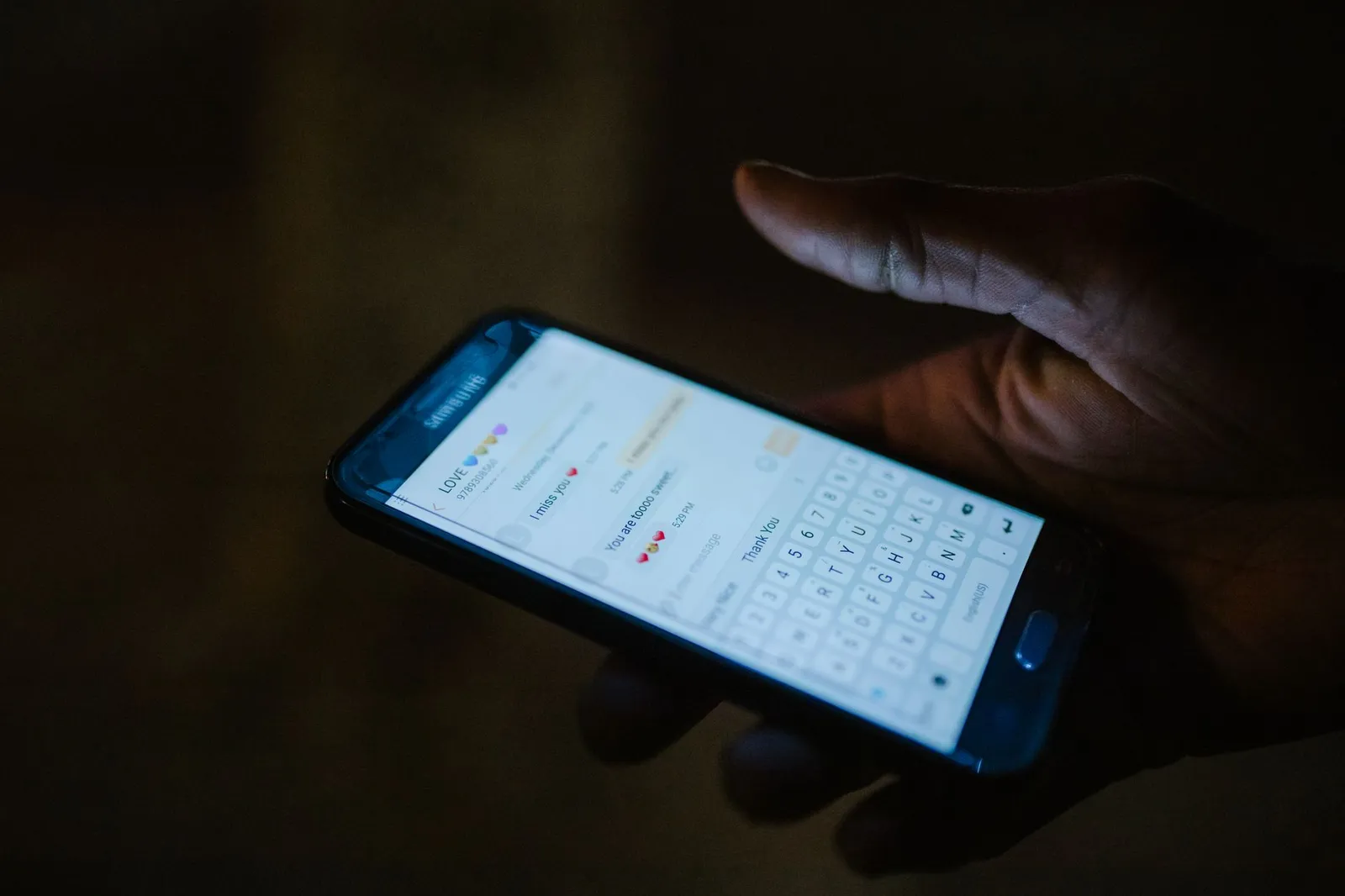
Photo by RDNE Stock project on Pexels
A single text gets the reply started, but the sequence behind it decides whether the lead books. HighLevel's guide to after-hours leads describes multi-step workflows that send an immediate thank-you by text and email, follow up at intervals such as one hour and 24 hours later, offer a booking link and alert staff to hot leads.
The same guide advises following up within 5 to 15 minutes and warns against generic replies. That's HighLevel's advice about its own product, so treat it as a starting point and measure your own response times.
A calendar link in the first message shortens the path further, since the caller can book without waiting for anyone. Our guide to why CRM automation beats manual follow-up covers why that second step matters as much as the first.
Using it with Google Business Profile call tracking
If you already run call tracking through your Google Business Profile, the text-back still works. HighLevel's Google Business Profile call tracking guide explains that the tracking number takes the primary slot, your original number moves to the secondary slot, and an unanswered call to the tracked number can trigger the text-back if it's enabled in location settings.
One requirement catches people out. The location needs a LeadConnector number assigned, and if none exists the integration won't work until you add one.
When the text doesn't send
Most failures come from a short list of causes, and each has a quick check.
- No registered number. The platform has no SMS-eligible number, or the A2P 10DLC or toll-free verification isn't approved yet.
- Do Not Disturb. The contact has DND enabled, so the platform deliberately skips them.
- The called number can't text. Call tracking numbers and number pools often can't send SMS. HighLevel then falls back in order: the called number, a number previously used with that contact, your default outbound number, and finally any other eligible number in the location.
- Blank merge fields. The caller wasn't a recognised contact, so name placeholders came through empty.
The fallback logic is useful, but it can mean the text arrives from a number the caller doesn't recognise. If that bothers you, set a sensible default outbound number.
Adding WhatsApp or an AI voice agent
SMS isn't the only option. HighLevel's Missed Call WhatsApp Back sends the same kind of follow-up over WhatsApp, as long as you have a WhatsApp-enabled number, consent to message the contact, and a caller who actually uses WhatsApp. It can run alongside SMS, though you should avoid sending duplicates.
For businesses that would rather answer the call than text after it, a voice agent is the other route. We've written up how to build an AI voice agent in GoHighLevel, and the two approaches combine well: the agent picks up what it can, and the text-back catches the rest.
Whichever you choose, the text only starts the conversation. Decide who replies, how fast, and what happens to a lead who answers at 9 pm. Our piece on lead nurturing automation is a good next read for the sequence that follows.
Frequently asked questions
Does it text people whose calls I answered?
No. Answered calls never trigger the text-back, only calls that go unanswered past your ring timeout.
Does missed call text-back cost extra?
Each message counts against your phone messaging allocation, so it isn't free of usage charges. Check your own plan's rates for the exact cost.
Can I use WhatsApp instead of SMS?
Yes. Missed Call WhatsApp Back is a separate setting in the same Phone System menu, and it only reaches contacts who use WhatsApp.
Why did a first-time caller get a message without their name?
Merge fields such as name only populate when the contact was already recognised, so write the message to read well without them.
Cover photo by https://kaboompics.com/ on Pexels
Sources
- Where and how to configure the Missed Call Text Back feature — HighLevel Support Portal
- Call Tracking and Missed Call Text Back Through Google Business Profile — HighLevel Support Portal