Every appointment booked by phone or email costs somebody a handful of messages, and the cost repeats for every reschedule. GoHighLevel appointment booking replaces that exchange with a shareable calendar page that checks availability, writes the booking into your CRM and can trigger follow-up on its own.
This guide walks through what it takes to get there: the setup, the calendar types, the sync settings that prevent double bookings, reminders, deposits, and what you'll pay.
Setting up your first booking calendar
A working calendar takes six steps, and most of them happen inside HighLevel's own setup guide in the order below.
- Open Calendar > Calendar Settings, click New Calendar and pick Personal Booking for one-on-one meetings.
- Fill in the calendar name, host, custom URL, appointment duration and available hours. Settings are grouped into basic details, staff and location, availability, booking rules and advanced settings.
- Add the people who take appointments under Settings > My Staff, even if that's only you.
- Create a confirmation and reminder workflow from the Appointment Confirmation + Reminder recipe, and put your Zoom or Google Meet link in the confirmation email.
- Link your own calendar on the Connections tab and your meeting tool on the Video Conferencing tab.
- Use the Share button to copy the booking link, make one-time links or grab the embed code.
Name the calendar for what the visitor is booking. "Free strategy call" or "HVAC service estimate" tells the visitor what they're booking, which "Calendar 1" can't, because the name appears on the booking page.
Before you send the link to anyone, book a test appointment from an incognito window. Check that it lands in the dashboard, shows up in your external calendar and fires the confirmation email.
Which calendar type fits your team
HighLevel offers several calendar types. Personal Booking suits one person selling their own time, and Round Robin suits a team where any available member can take the call.
Round Robin lets you add team members and set availability for each of them. Class calendars cover group sessions, and the payment documentation also lists Event, Collective, Service Calendar and Service Menu types.
A clinic with four practitioners should start with Round Robin, because a single shared link then spreads bookings across whoever is free. A solo consultant gains nothing from the extra setup.
Stopping double bookings with calendar sync
Double bookings are the failure that makes people abandon online scheduling, and they come from how external calendars are connected. HighLevel splits the connection into three layers, and each one does a different job.
Connected, linked and conflict calendars
Connecting a Google, Outlook, iCloud or Calendly account only grants permission. Nothing syncs until you mark a calendar as linked, which imports its events so HighLevel can see real availability.
A linked calendar becomes a conflict calendar automatically, so any event on it blocks HighLevel's slots. Per HighLevel's documentation on linked and conflict calendars, only events marked Busy block a slot. An event marked Free syncs across but leaves the time open.
Write-back and its limits
Turn on Write Back Appointments and new bookings are pushed to your external calendar, with cancellations and reschedules following. Enable it on your primary work calendar only, or you'll collect duplicate entries.
One detail surprises people. Marking an appointment as Showed or No Show inside HighLevel does not update the external calendar, which is deliberate, so your Google Calendar stays free of notification noise.
Link personal calendars as conflict calendars so a dentist appointment blocks the slot, and match time zones between HighLevel and the external account.
Reminders that cut no-shows
Reminders are where the time saving compounds. A confirmation sent the moment someone books, plus a reminder before the appointment, means nobody on your team chases attendance by hand.
HighLevel's setup guide claims reminders cut no-shows by at least 25%. That's the vendor describing its own feature, so treat it as a ceiling on your expectations rather than a promise.
Workflows can also create bookings, not just react to them. The Book Appointment workflow action puts an appointment on a chosen calendar when a form, webhook or CRM update fires, and it can follow the calendar's own round robin rules.
It has two traps. By default it checks availability and won't create the appointment if nobody is free, and calendars with Recurring enabled can't be selected at all.
If you want booking tied into a wider follow-up system, our article on AI automation and CRM in GoHighLevel covers what else the platform can trigger. For the nurture side after the booking, see lead nurturing automation strategies.
Taking a deposit at booking

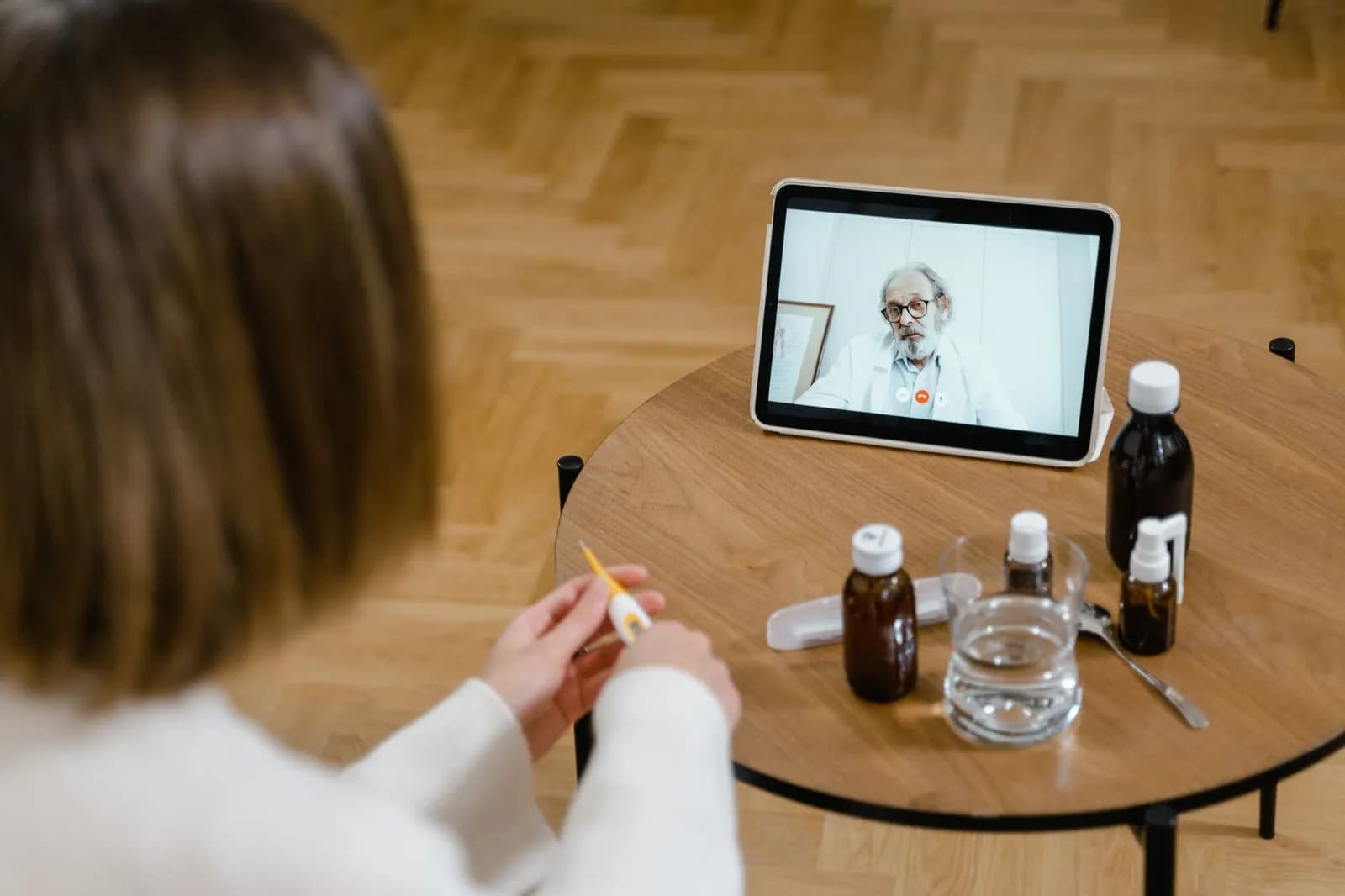
Photo by cottonbro studio on Pexels
You can require payment when someone books, and a deposit is the sturdiest answer to no-shows that reminders can't fix. Stripe, NMI and Authorize.net are the supported gateways, and the setting works on every calendar type.
Enable Accept Payments in Calendar Settings, enter the service amount, tick Accept Partial Payment and choose a flat amount or a percentage. HighLevel's partial payment guide is explicit about one limit: staff must send the invoice for the remaining balance by hand, and the booker gets no automatic notice of the amount still owed.
That gap matters for a business booking dozens of jobs a week. Plan for someone to own the balance invoice, or you'll collect deposits and forget the rest.
What GoHighLevel appointment booking costs
Calendars come with every plan, so you don't pay extra for booking itself. According to The Memo's pricing breakdown, updated July 10, 2026, the plans are:
| Plan | Monthly | Annual | What the step up buys |
|---|---|---|---|
| Starter | $97 | $970 | Core platform including calendars, workflows and forms |
| Unlimited | $297 | $2,970 | Unlimited sub-accounts, rebilling usage to clients |
| Agency Pro | $497 | $4,970 | SaaS mode and the advanced API |
Reminders aren't free on top of that. The same breakdown puts SMS at roughly $0.0075 per segment and email at $0.675 per 1,000 sent, which is why a booking flow with a text before every appointment adds up with volume.
It lists a solo operator's realistic total at $107 to $127 a month once basic usage is counted.
Prices change, so check the current plan page before you budget.
When the calendar misbehaves
Most calendar complaints trace back to configuration rather than a broken feature. NewMotion IT's troubleshooting guide for GoHighLevel calendars, dated July 23, 2026, maps the usual symptoms to causes:
| Symptom | Likely cause | Fix |
|---|---|---|
| No available slots | Wrong business hours, oversized buffers or a long minimum notice | Review availability and buffer settings |
| Double booking | Disconnected external calendar or sync delay | Reconnect Google or Outlook and allow a few minutes to sync |
| Sync stopped | Expired authorisation, roughly 90 days in | Reauthorise the connection |
| Reminders not sending | Do Not Disturb, bad phone number or a failed workflow | Check SMS settings and the workflow's execution history |
| Widget won't load | Script conflicts or iframe restrictions on the host page | Test on a separate page and check security headers |
The expiring token is the one most teams miss, because the calendar works fine for three months and then quietly stops blocking slots. Put a reminder in your own calendar to reauthorise it.
If your booking flow connects to more than a calendar, say a CRM, a payment gateway and an SMS provider, our AI and automation service is where we build and test those connections together. Test every path across devices, time zones and each team member before the link goes live.
Frequently asked questions
Does marking a no-show update my Google Calendar?
No. HighLevel's documentation says that marking an appointment as Showed or No Show does not push an update to the external calendar. Only bookings, cancellations and reschedules are written back.
Can I put the booking calendar on my own website?
Yes. The Share button in the calendar header gives you the booking link, one-time links and embed code. If the widget won't load on your page, an iframe restriction or script conflict is the usual cause.
Can a workflow book appointments without the customer picking a slot?
Yes, through the Book Appointment action, which can create the booking from form or webhook data. It checks availability unless you switch that check off, and it can't use calendars with Recurring enabled.
Cover photo by https://kaboompics.com/ on Pexels
Sources
- How to Set Up a Booking Calendar in HighLevel — HighLevel Support Portal
- Setting Up Linked Calendars & Conflict Calendars — HighLevel Support Portal