












A site with 1,000 visits a month and 10 calls has a conversion problem, and paying for more clicks only scales the leak. Tree service conversion optimization is the work of raising that second number: the share of visitors who call, text or send a quote request.
Most of the gains come from a handful of places on a handful of pages. This guide goes through them in the order we'd fix them.
Tree service conversion optimization starts with counting the right actions
A conversion is any action that puts a homeowner in touch with you. Decide which ones you count before you change anything, because a redesign can lift form fills while quietly cutting calls.
- Taps on the phone number
- Submitted quote forms
- Text or chat messages
- Booked estimates, which you'll need to record yourself when someone says "I found you online"
Our own reading of how these differ: a visitor with a limb through the roof wants a number they can tap in one second, while someone pricing a removal for next month will happily fill in a form. A page that serves both needs both options in plain sight.
Where visitors decide to call or fill in a form
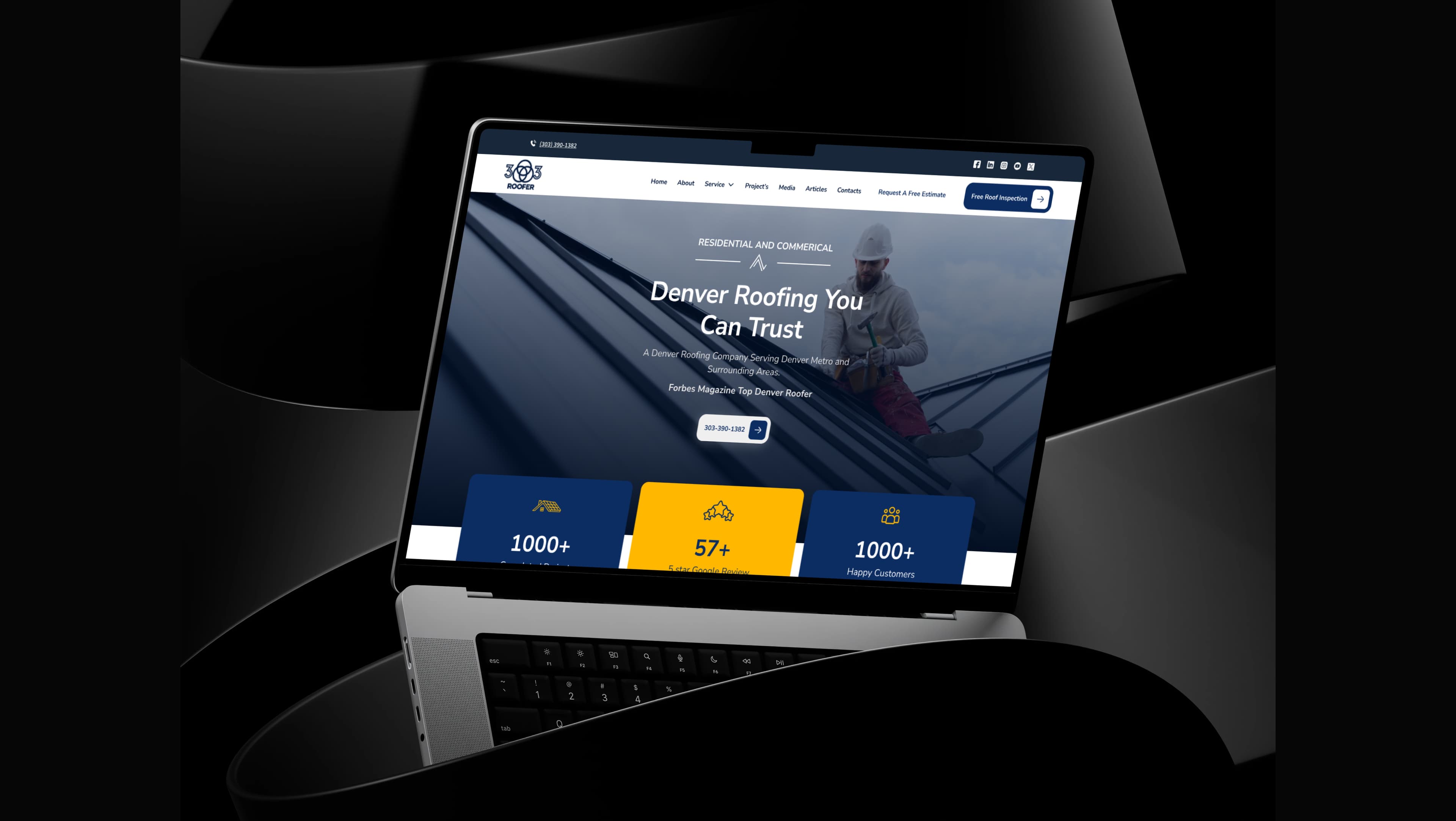
On a phone, that decision happens on the first screen. A tappable phone number and a short quote form should both be visible without scrolling, and everything lower on the page exists to back up that choice.
Put the phone number where a thumb can reach it
Make the number a tap-to-call link and keep it in a header or fixed bar that stays on screen as the visitor scrolls. A number that has to be memorised and typed is a lost job.
Keep the quote form short
Ask for a name, a phone number, a street address or zip code, and the kind of work. Every extra field gives someone a reason to leave, and the rest can wait for the estimate call.
The layout side of this is covered in more detail in our guide to tree service website design tips that turn visits into calls.
What homeowners check before they contact you
They check your reviews, and your website is frequently the next stop. In BrightLocal's survey of 1,002 US adults, published in February 2026, 54% of people who read positive reviews went on to visit the business's website.
So the site has to confirm what the reviews promised, quickly. Pull your Google rating onto the home page, show a few recent reviews tied to real neighbourhoods, and use before-and-after photos of your own jobs. Photos of someone else's crew do the opposite of what you want.
Certifications and insurance belong near the quote form, not buried on an About page. That's where doubt shows up.
How fast the page loads
Slow pages lose visitors before they ever see your number. Google's published target is a Largest Contentful Paint of 2.5 seconds or less, measured at the 75th percentile of visits, which means three out of four page views should meet it.
The best evidence that speed alone moves conversions is a retail one. Rakuten 24 ran a one-month A/B test on a high-traffic landing page where the only difference between versions was Core Web Vitals work, and the faster version converted 33.13% better.
That's a shopping page, not a tree service, so don't plan around the same lift. What it shows is that a page can earn more from the same visitors without a word of its copy changing.
On tree service sites the usual cause of slowness is oversized crew photos and galleries.
Resize them before you upload and load the ones below the first screen last. When the template itself is the bottleneck, a rebuild beats patching, and that's the kind of project our web development team takes on.
Mistakes that quietly cost calls
Several common habits undercut a site that otherwise looks fine. These are our own observations from reviewing tree service sites rather than measured findings, so weigh them against your own analytics.
A phone number that exists only as an image can't be tapped. A contact page reached through three menu levels hides the form from the people most ready to use it. A form that asks for a full project description before it will submit sends impatient visitors back to search results, and they'll click the next company.
Autoplaying video, pop-ups on the first screen and slow sliders all push the number and the form down the page. Any tree service conversion optimization effort should remove those before it adds anything new.
A landing page for each job type

Tree service conversion optimization works best when every page has one job. Someone searching for stump grinding wants to land on stump grinding, with its own photos, its own form and its own reviews. A single catch-all services page makes them hunt for it.
Give your highest-value services their own pages, and the cities you work in where you have real jobs to show. We've written a full breakdown of tree service landing pages that convert, including what to put above the fold.
Answer the lead before another company does
Tree service conversion optimization doesn't end at the form, because a form submission is only half a conversion. It becomes a job when somebody replies, and a homeowner who has sent three quote requests will plausibly go with whoever answers first. We didn't find a neutral study of response times for tree services, so we won't put a number on it.
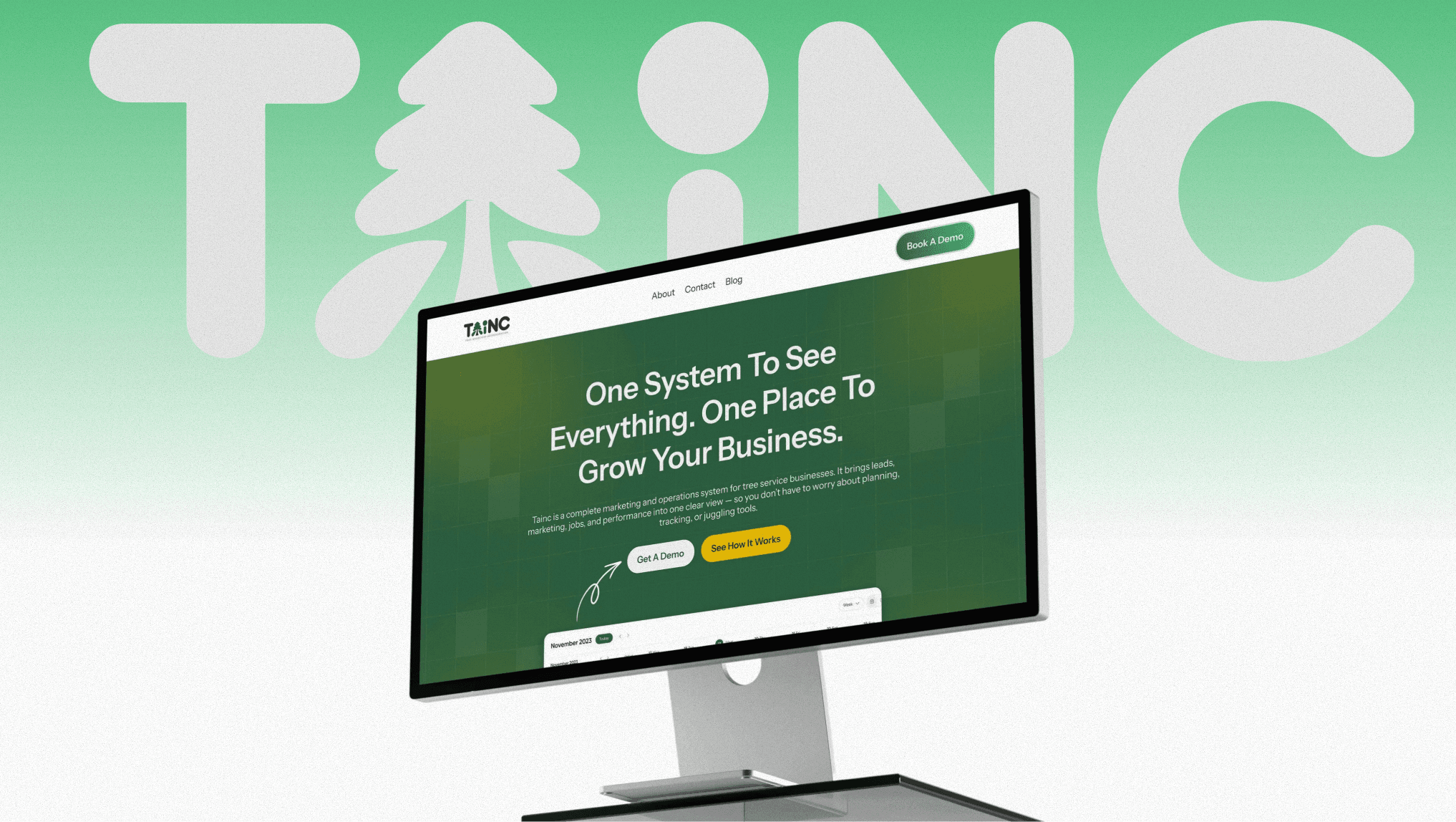
When we built the TAINC platform for tree service businesses, the problems it addressed included leads lost to slow manual response and no automated follow-up. It brings lead capture, crew scheduling, AI-assisted proposals and billing into one dashboard.
You don't need a full platform to fix the first part. An instant text or email confirming the request, plus a promised callback window, covers most of it, and AI and automation tools can send both without anyone touching a phone.
What to measure and change first
For tree service conversion optimization, start with the page that receives the most visits, usually the home page or your top service page. Work through it in this order.
- Set up tracking for calls, form submissions and texts as separate counts.
- Record a month of results so you have your own baseline.
- Fix the first screen: tap-to-call number, short form, one proof point.
- Compress the images and check the load time on a phone, not a desktop.
- Set up the instant reply to every form.
Change one thing at a time and give each change a few weeks. Two simultaneous edits leave you unable to tell which one worked, which on a site with modest traffic is all the data you'll get.
Frequently asked questions
What's a good conversion rate for a tree service website?
We couldn't find a neutral, verifiable benchmark. The figures that circulate come from agencies describing their own client work, so use your own month-one baseline as the number to beat.
Should I reply to online reviews?
Yes, because replies feed the same trust that drives the visit to your site. In the same BrightLocal survey, 80% of respondents said they were likely to use a business that responds to all its reviews, and 50% were put off by templated replies, so write each one for the job.
Which page should I fix first?
Fix whichever page your visitors land on most. Your analytics or Google Business Profile link will show it, and it's usually the home page or your top-earning service page.
Sources
- Local Consumer Review Survey 2026 — BrightLocal
- Rakuten 24 case study — web.dev