






Deciding Between Next.js and WordPress for Your Restaurant Website
If your restaurant website loads slowly on a customer's phone, you risk losing bookings. The decision between Next.js and WordPress shapes more than the platform; it sets the groundwork for how you market, manage reservations, update menus, and handle ongoing changes.
Speed, control, long-term cost, and who on your team can keep things up to date all depend on this choice.
Restaurant Site Performance: How Fast Does It Need to Be?
Speed makes a difference for restaurants in 2026. In a study of over ten thousand restaurant sites, 71.5% passed Core Web Vitals on mobile devices. The typical site displayed its menu in just 1.2 seconds. That is among the fastest measured categories.
Diners comparing options often see your menu instantly. Sometimes that happens before they've even lifted their finger from the screen.
This is where Next.js pulls ahead of WordPress. With identical content tested side by side, Next.js sites reached Largest Contentful Paint (LCP) in 0.8 to 1.4 seconds on mobile 4G. WordPress, even when optimised, tended to land between 2.1 and 3.8 seconds, taking longer still if using stock themes or shared hosting plans.
Next.js achieves this by sending pre-rendered HTML along with automatic image optimisation and code splitting. By contrast, WordPress delivers dynamic PHP output loaded down with plugin scripts and theme assets each time someone visits a page. Even if you add caching plugins or choose premium hosting with WordPress, breaking past these speed limits usually means constant tweaks and maintenance.
If every second directly affects your booking rate or local ranking, because diners bail when a menu takes four seconds to load, a next.js restaurant website gives you that edge. Still, if standard business needs are met by your existing site and it already passes speed checks, rebuilding may not pay off.
The Reality of Using a WordPress Restaurant Theme
By 2026, WordPress powers about 43% of all websites and remains especially popular where non-developers need to make regular updates. For restaurants, thousands of themes are available: free ones like Astra or Twenty Twenty-Five, along with paid themes such as Delicio or Linguini that come ready for hospitality use, menus, reservations, galleries, events sections included.
The big draw of starting with a wordpress restaurant theme is launching quickly without much cost. Demo content imports in minutes. Branding gets adjusted using visual tools like Gutenberg or Elementor. Menus and booking forms are built in for themes like Savory or Caverta. Editors can swap out dishes or change hours without ever touching code.
This convenience shifts once you're live. Each new plugin, for online orders or table bookings, adds more scripts to every page view. If staff update content through visual builders or page editors, CSS bloat creeps in fast. One homepage measured nearly 600 KB of CSS versus only 64 KB for its equivalent built custom in Next.js.
Comparing Real Costs: Upfront Build vs Long-Term Maintenance
Building with Next.js usually costs more upfront since it needs developers from day one. Launching on WordPress is less expensive at first thanks to ready-made themes and shared hosting deals.
Three-Year Total Cost (USD) | |
|---|---|
WordPress | $8K–45K (hosting $300–$1,200/year; plugins/themes $200–$800/year; ongoing maintenance) |
Next.js | $15K–60K (higher initial development $8K–40K; but less spent later due to lower plugin/licensing/security work) |
If you're handling fewer than fifty pages with simple galleries or forms, and making weekly edits, WordPress tends to cost less for smaller venues over time. Once things scale up (hundreds of pages; complex booking APIs; direct ordering), Next.js grows more affordable because adding features doesn't mean buying endless new plugins or paying extra support fees year after year.
Editability: Who Keeps the Menu Updated?
The argument often turns practical here; daily workflow counts most. For restaurants that update menus often or post new events regularly, the Gutenberg block editor in WordPress offers unmatched ease. Anyone can learn it fast and publish changes visually.
A next.js restaurant website arrives as code only unless someone adds editing features themselves. There are two main ways teams work around this:
A headless CMS such as Sanity or Contentful lets non-developers update menus or opening hours without developer help. They get an easy interface while the site remains fast.
A headless cms restaurant setup keeps WordPress behind the scenes just as an editor tool while public pages display through Next.js, combining editing comfort with front-end speed but requiring API integration effort you wouldn't face running classic WordPress alone.
The right system depends on who actually edits your website most often. How quickly those updates need to go live matters too. If bigger changes always run through an agency instead, the technical path may not matter as much.
The Hybrid Approach: Headless CMS Restaurant Sites
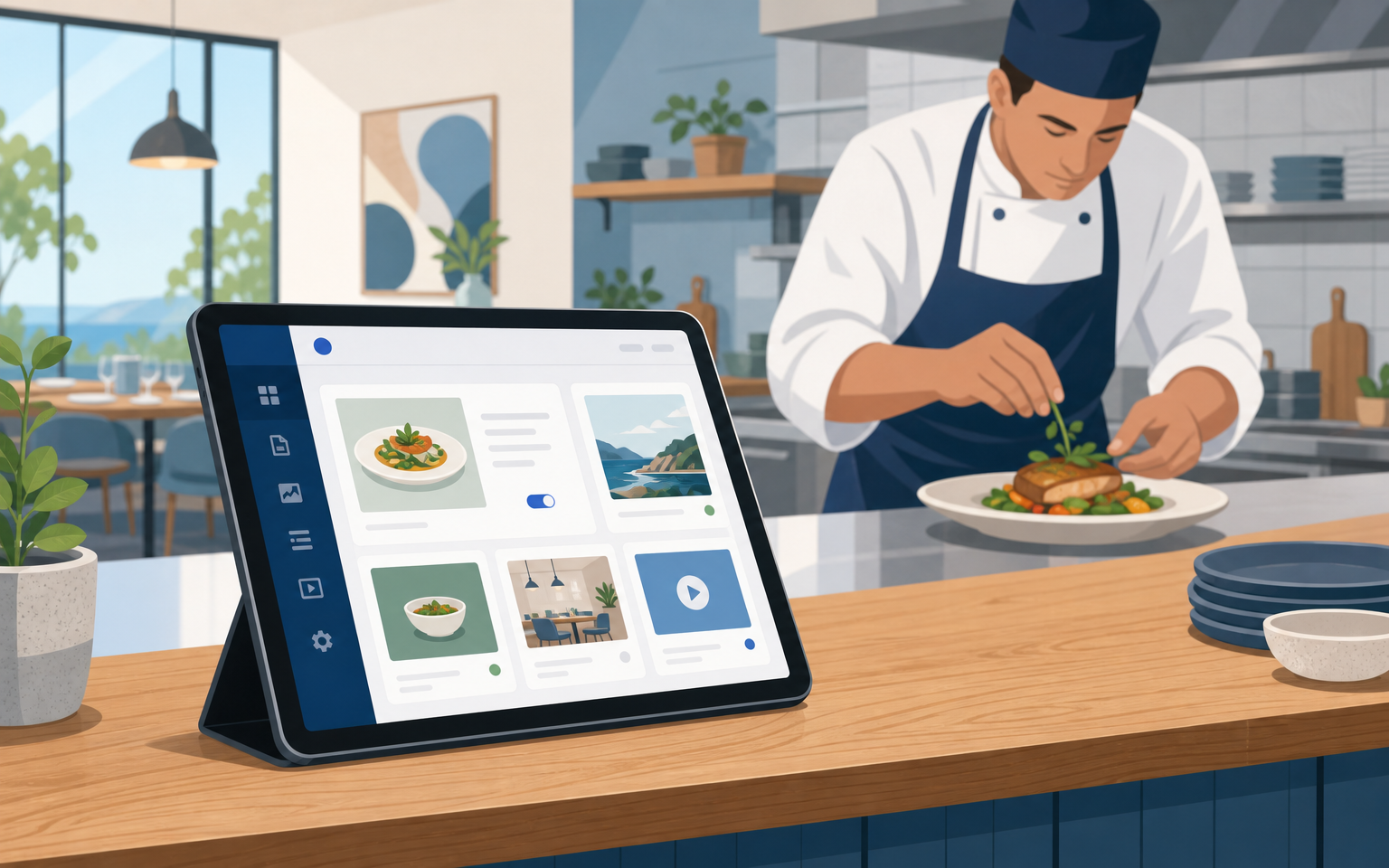
An increasing number of restaurants use a mix of platforms. They keep editing easy using familiar backends like WordPress while switching their frontends to Next.js so guests experience modern speed.
Edit all your copy and photos through the normal WP admin area as before.
Public-facing pages are rendered via Next.js pulling real-time data through REST APIs or GraphQL.
You gain fast loads (often LCP under two seconds) plus effortless visual editing, but avoid growing plugin bloat or security patch worries over time.
This method isn't simpler overall since somebody must own API connections and deployment long term. Still, multi-location restaurants needing identical data across multiple city landing pages, or those investing heavily in local SEO, benefit from structured flexibility (see this European headless case study).
Technical SEO & Local Search Visibility for Restaurants
Your platform matters less than whether your site passes Google's Core Web Vitals benchmarks (like LCP under two seconds) alongside having structured data via JSON-LD schema. Clean URLs like /menu/ and /reservations/ work better than generic slugs. Details such as NAP (name-address-phone) must match your Google Business Profile exactly.
Custom frontends such as those built with Next.js allow full programmatic control over every piece of schema markup. you can inject detailed Restaurant/Menu/MenuItem objects right into each page so search engines pick up operating hours, dish names/prices/allergy tags directly, a level most out-of-the-box WordPress themes only partially achieve unless extended manually by a developer.
If most visitors come through search, or Google AI Overviews rise to prominence, the payoff is clear: higher technical performance plus complete schema coverage pushes visibility above competing sites stuck using default templates without these enhancements.
On the other hand, having fine-grained SEO controls may be less valuable if most bookings come via social media channels or repeat customers compared to giving staff an interface they know well enough to edit confidently every day.
The Practical Choice: When Each Wins
Choose WordPress when:
Your team needs visual drag-and-drop editing week-to-week
You want rapid launch times (sometimes within hours using demo import tools) at low cost
Your menu/site rarely exceeds basic informational structure (home/menu/events/contact)
Choose Next.js when:
Your bookings depend directly on being fastest-to-load against competitors carrying heavy widgets/scripts
You plan multi-location programmatic landing pages targeting different neighbourhoods/cities
Your technical roadmap includes integrating advanced ordering systems or AI-driven recommendations beyond what plugins deliver
The headless CMS route:
Suits teams that want best-in-class editing comfort plus high-speed frontends if someone owns maintaining both sides over time
If you're unsure which path makes sense based on where bookings originate, or suspect you're approaching the ceiling of what a theme/plugin stack can handle, this is exactly where speaking with agencies experienced across both stacks helps clarify next steps.
[CTA]
What Actually Drives More Bookings?
No matter which technology stack wins out on paper, it's removing friction between hungry customers' searches and getting them confirmed at your tables within sixty seconds that really matters.
Whether building custom nextjs vs wordpress restaurant sites from scratch or optimising what exists now with block-based themes, the point is conversions always beat design awards.
So audit current load times against Core Web Vitals standards using PageSpeed Insights; check Google indexes your HTML menu correctly; verify schema lists every dish/allergy/search-relevant attribute; then decide who owns edits after launch.
That single audit will reveal true fit far better than any feature checklist ever could.
Make sure whichever route you take actually brings more diners through your door this year.
Sources
Next.js vs WordPress for Business Websites — pxlpeak.com
Headless WordPress with Next.js: When It Makes Sense and When It Does Not — stackbriefly.com