A homeowner with a leaning oak fills in a quote form at 7 p.m., and by morning three other companies have already texted back. Most tree service automation workflows exist to prevent that one scene, and the good ones are small enough to build in an afternoon.
This guide covers the workflows that pay off first, what each should do step by step, and the mistakes that make automated messages feel like spam.
Which tree service automation workflows should you build first?
Start with the ones that touch a customer before they've hired anyone: an instant reply to every new lead, then a follow-up sequence for estimates that go quiet. After those, add crew and appointment reminders, then a review request after each finished job.
That order follows where money leaks. A lead that never gets a reply costs you the whole job, while a missing review reminder costs you a little each month. Build in the order of the loss.
Every workflow below has the same three parts: a trigger (something happens), a message or task (the system does something), and a stop condition (the system knows when to shut up). Skipping the third part is how automation turns annoying.
Replying to new leads in minutes, not hours
Reply to every new web form, call or message within five minutes, because that's the window one widely repeated analysis points to. The National Law Review summarised research by Dr. James Oldroyd and David Elkington covering 15,000 leads and 100,000 call attempts, and reported that the best time to respond is within five minutes. It was a 2016 write-up of phone-call data, so treat it as direction rather than a promise.
The research team's earlier paper in Harvard Business Review reached a similar conclusion, with its authors finding that most companies are not responding nearly fast enough to online enquiries.
You can't hit five minutes by hand when the crew is up a tree and the office is one person on another call. So the workflow does the first step.
What the instant-reply workflow does
When a form arrives, the system sends a text and an email that name the service requested, say when someone will call, and offer a link to pick an estimate time. At the same moment it creates a task for the estimator and sends them an alert.
Add a second trigger for missed calls. If nobody picks up, an automatic text goes out within a minute or so asking what the caller needs. Many people won't leave a voicemail, but they will answer a text.
Stop condition: the moment a human replies or the customer books, automated messages for that lead end.
Following up on estimates that go quiet
Most homeowners don't approve tree work on the spot, so a quote that sits unanswered is usually a customer comparing prices or waiting on a partner, not a refusal. A short, scheduled follow-up keeps your quote near the top of their inbox without anyone remembering to send it.
Here's a cadence we'd suggest as a starting point. It's our own reasoning, not a benchmark, so adjust it to how long your customers actually take to decide.
| Day after estimate | Channel | What it says |
|---|---|---|
| Day 0 | The estimate itself, with the scope written out and a one-click approve link | |
| Day 2 | Text | A question: did the quote arrive, and is anything unclear? |
| Day 5 | An answer to the objections you hear most, such as insurance and cleanup | |
| Day 10 | Text | A last note that the quote stays valid for a stated period, then closes |
Four touches is plenty. Past that you're pestering, and a homeowner who has stopped answering is telling you something.
The stop condition matters most here. Approval, a booked visit, a decline or any reply from the customer should end the sequence instantly and move the job to the next pipeline stage. Nothing damages a good first impression like a cheerful reminder arriving the day after someone accepted.
Reminders for appointments and crew schedules
Confirm every estimate visit and every job the day before, then send an on-the-way text when the crew leaves the previous stop. Both cut the wasted trips that come from a homeowner who forgot, or a gate that was locked.
Weather is the case worth planning for. Give the crew lead a way to flag a rain-out, and let that one action text every affected customer a rescheduling link, instead of someone phoning nine households by hand at 6 a.m.
Internally, the same trigger can post the day's schedule to each crew's phone. Crews that start the day knowing the address, the scope and the gate code don't call the office to ask.
Asking for reviews and sending invoices when the job is done

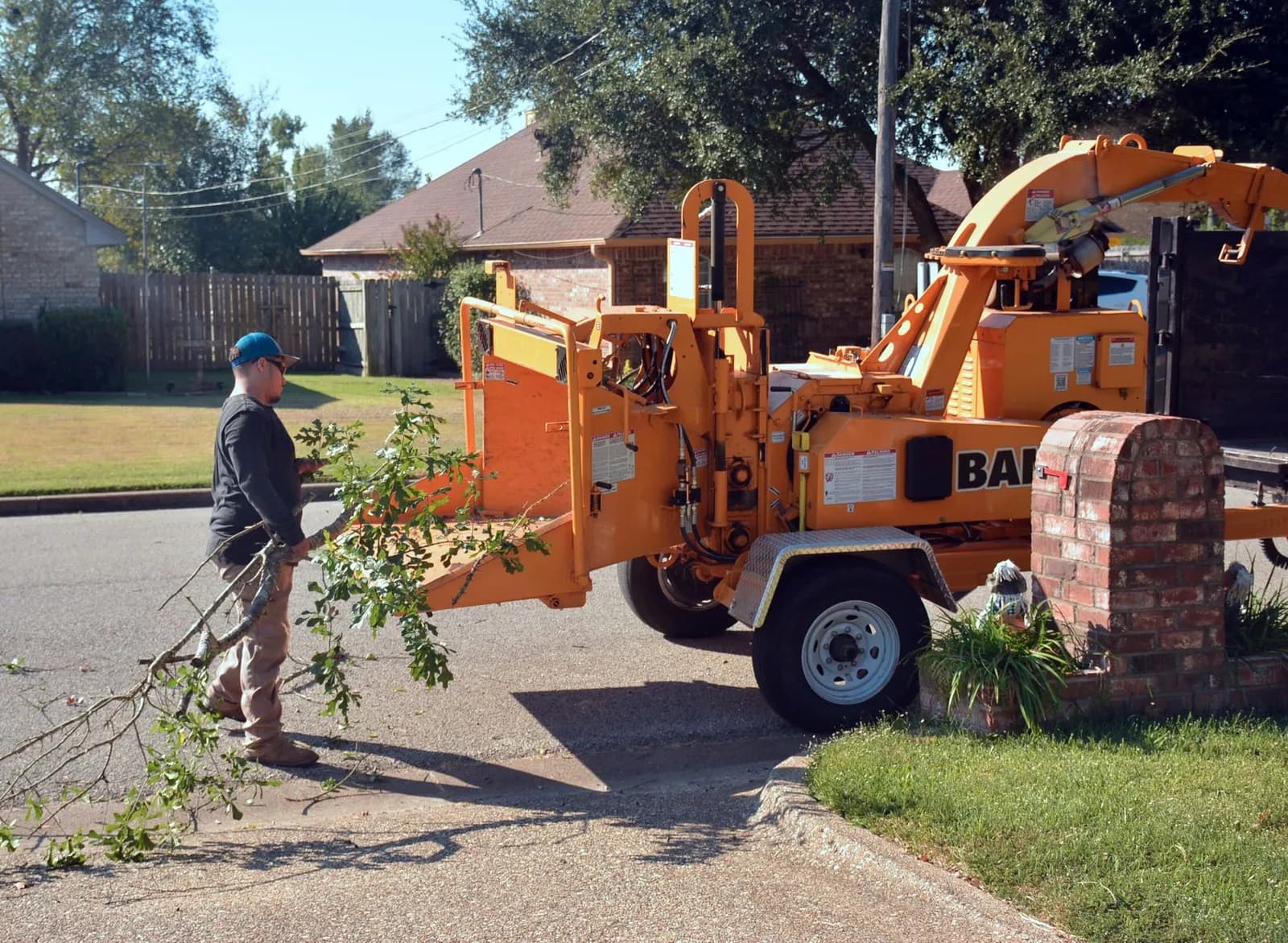
Photo by MART PRODUCTION on Pexels
The moment a job is marked complete, send the invoice and, a day later, a plain request for a Google review. Customers are happiest when the stump is gone and the yard is clean, and that's when a short message gets answered.
Keep the request neutral. Google's own help page says you can ask customers to visit a Google link or scan a QR code, and it states that offering incentives such as free or discounted services in exchange for reviews is strictly prohibited. So the message asks for honest feedback and nothing more.
If your profile is thin, our walkthrough of what to optimise on a tree service Google Business Profile shows where those reviews end up working hardest.
Stop condition: once a review is left or the customer has been asked once, the workflow is finished. Never ask twice.
Connecting the workflows to one system
These workflows only work well when they share one record of the customer. If the form lives in your website, the estimate in a spreadsheet and the schedule in someone's head, every automation has to guess what has already happened, and guessing is how a customer gets a follow-up after booking.
That's the case for a CRM that holds leads, estimates, jobs and messages together. Our comparison of CRM options for service-based businesses covers what to look for, and your website's forms and call buttons are the doorway that feeds it.
When we built TAINC's platform, a growth platform for tree service companies, the aim was exactly this. We designed and built it end to end, and it puts lead capture, crew scheduling, AI-assisted proposals and billing into one dashboard with role-based access for admins, teams and users. You can read how it came together in the TAINC case study.
If you'd rather have these workflows wired into the tools you already use, that's what our AI and automation service is for.
Mistakes that make automation backfire
The most common one is automating a message that should come from a person. Quotes for large removals near power lines or buildings deserve a call from your estimator, and the workflow's job is to get that call booked fast, not to replace it.
The second is texting people who never agreed to hear from you. Get clear permission on the form itself, record it, and include an easy way to opt out. Rules on text consent are a legal matter, so have a lawyer confirm your wording before you switch on bulk messaging.
The third is building everything at once. A rollout that works looks like this:
- Turn on the instant reply and missed-call text, and watch it for two weeks.
- Add the estimate follow-up once you trust the stop conditions.
- Add reminders and the weather reschedule.
- Add invoice and review requests last, because they depend on clean job statuses.
Read a handful of the messages your customers actually receive before you call any of it finished. If a text would irritate you, it will irritate them, and your local search work is wasted if the lead it generates gets a clumsy reply.
Frequently asked questions
Do I need a CRM before I automate anything?
Not for the very first step. An instant text-and-email reply to form submissions can run on its own. Once you add follow-up sequences and reminders, you need one place that records each customer's status so messages stop at the right time.
How many follow-ups should an estimate get?
Four touches over about ten days is a sensible starting point, ending the moment the customer replies, books or declines. Watch your own close rate and adjust.
Can I ask for reviews with a discount?
No. Google's help page calls incentives such as free or discounted services in exchange for reviews strictly prohibited. Ask for honest feedback with a link or QR code.
Will automation make my business feel impersonal?
Only if it replaces conversations you should be having. Use it for speed and reminders, and keep the estimate visit, the pricing talk and any sensitive job in human hands.
Cover photo by John Robertson on Pexels
Sources
- Best Practices for Responding to Online Leads — The National Law Review
- The Short Life of Online Sales Leads — Harvard Business Review