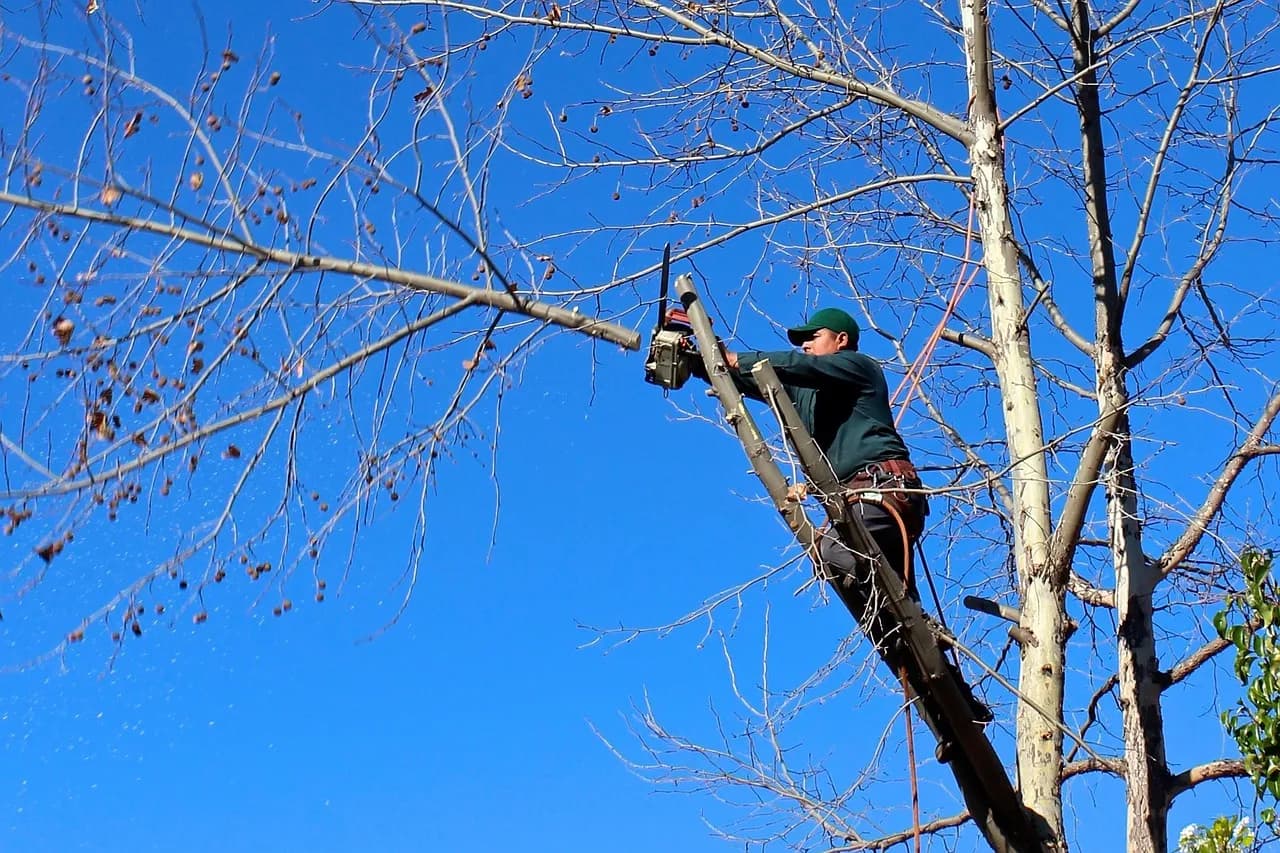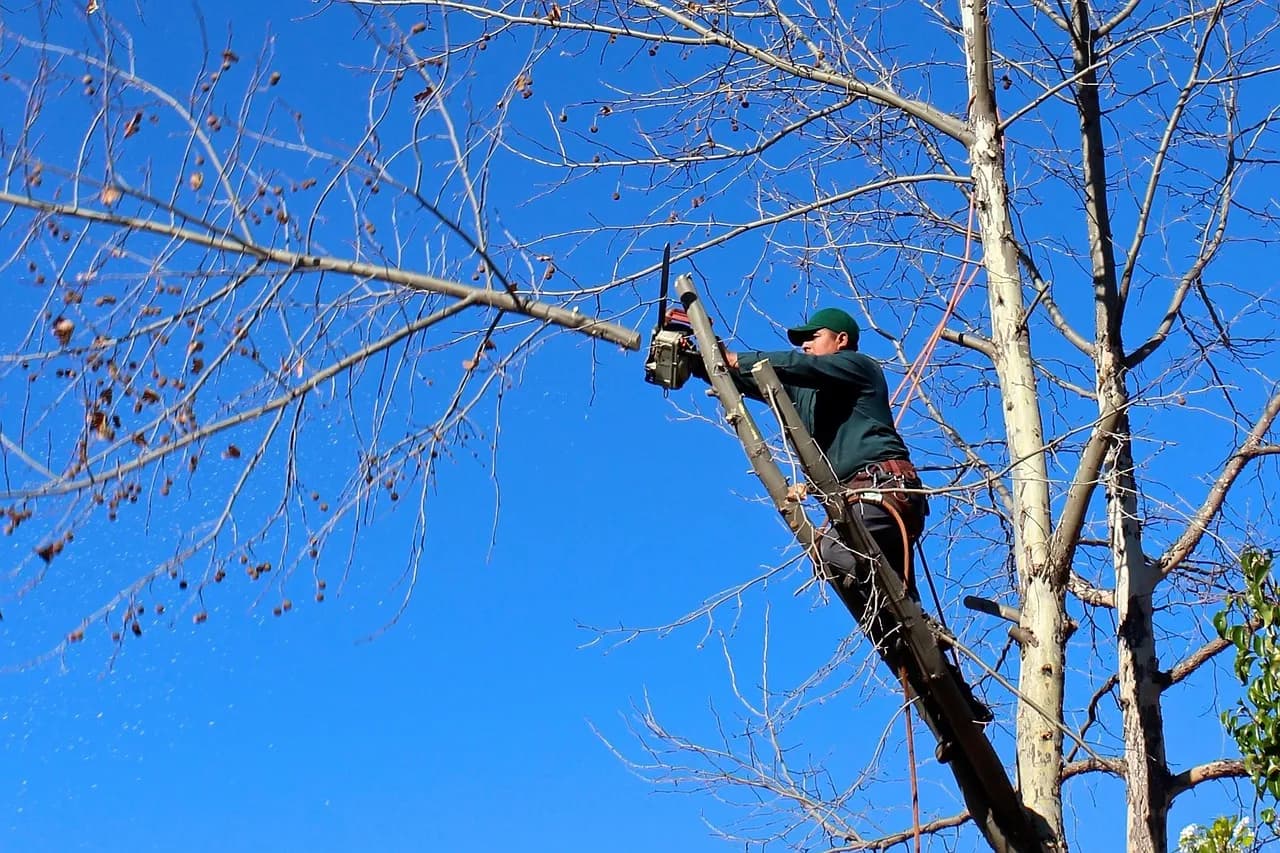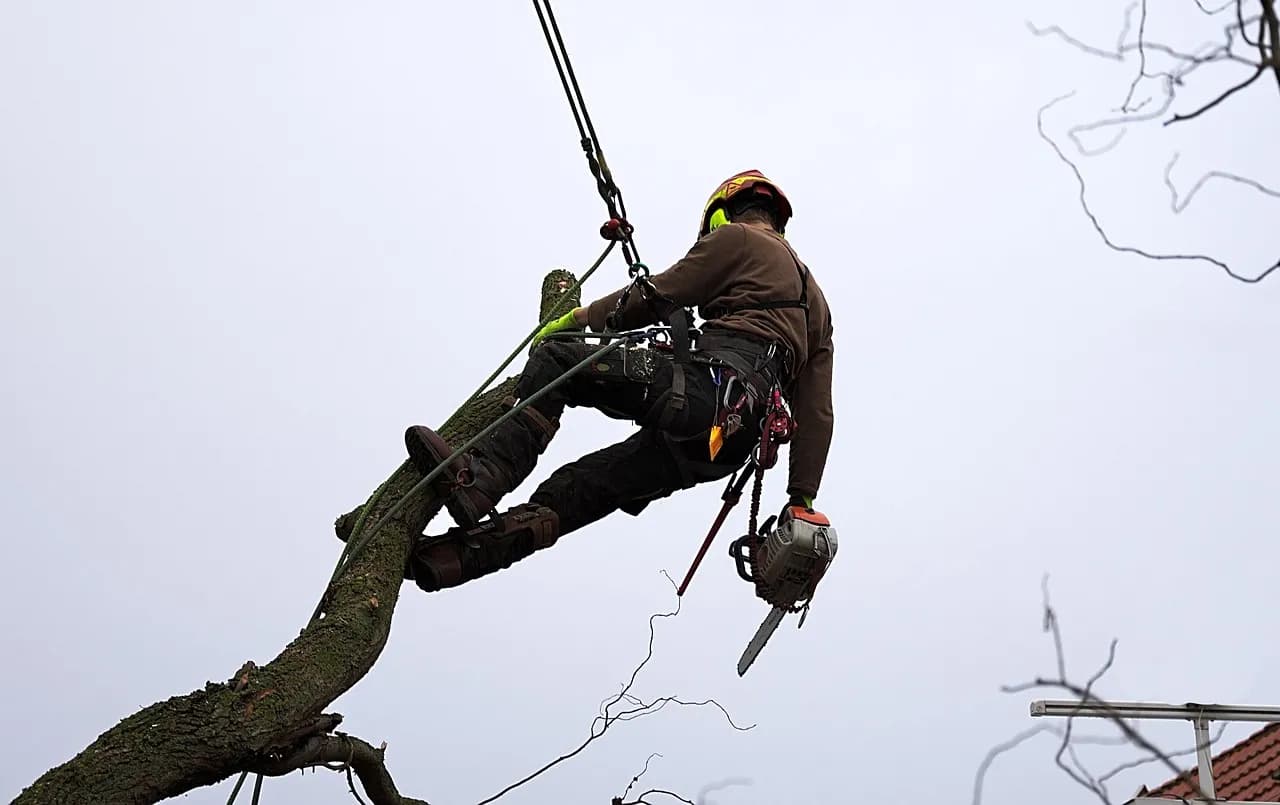
A homeowner staring at a leaning oak doesn't search for a company name. They search for the problem, and a video of a crew handling that exact problem answers it faster than any service page can. That is the whole case for tree service YouTube marketing: your daily work already contains the content, and the only missing piece is a plan for filming, labelling and placing it.
This guide to YouTube marketing for tree service companies covers what to film, how to set up each upload so YouTube and Google can understand it, and where else the same footage should live.
What to film for tree service YouTube marketing
Film the jobs customers ask about, in the order a homeowner would worry about them. Removing a tree over a house, taking down a storm-damaged limb, grinding a stump: each one is a question someone is already typing into a search bar, and each one is a video you can shoot on a normal working day.
Three formats cover most of what a small crew needs.
- Job walkthroughs. A start-to-finish removal, with a quick spoken explanation of why the crew rigged it the way they did.
- Answers to common questions. A foreman standing next to a stump explaining what stump grinding involves, or how to tell a dead branch from a dormant one.
- Before-and-after footage. A cleared lot or a reshaped canopy, shot from the same spot at both ends.
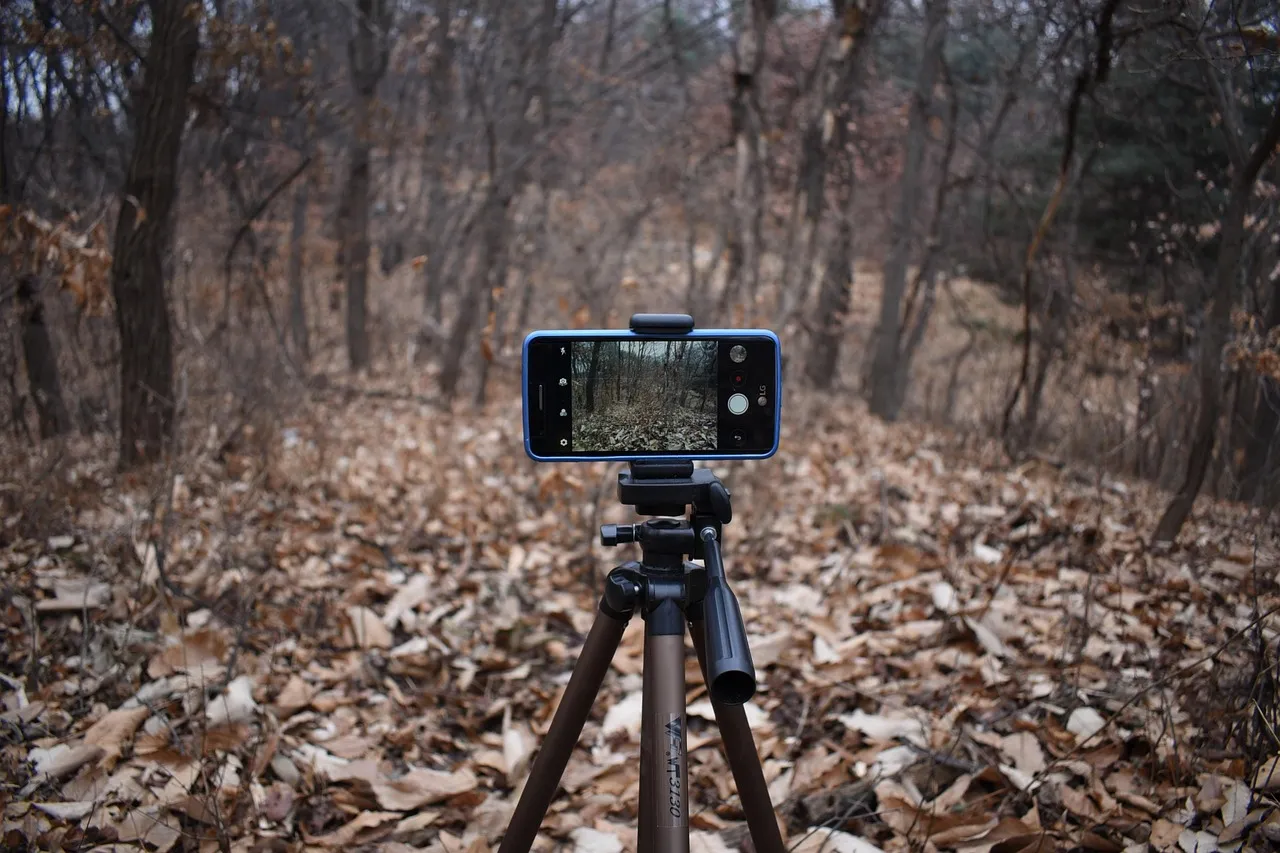
Resist the urge to make every video polished. Nothing in YouTube's or Google's guidance asks for studio production, and a useful answer from a foreman beats a glossy brand film nobody searches for. A phone on a tripod and a clip-on microphone is enough to start.
Our own guide to video marketing for tree services goes deeper on shooting job footage, so this article stays focused on the YouTube side.
How to title and describe each video
Put the main phrase a homeowner would search in the title, then repeat it in the description. YouTube's own help page on descriptions says to pick one or two main words that describe the video and use them in both places, and to give every video a unique description so it stands out from similar ones.
For a local company the main phrase usually includes the service and the town. "Storm-damaged tree removal in Tampa" tells a viewer and the search system exactly what the video covers. "Our latest job" tells them nothing.
Write the first line of the description for a person, because YouTube's guidance on video descriptions notes that the opening lines are all a viewer sees before expanding the text. Put the service, the area and your phone number there. Descriptions can run to 5,000 characters, so the rest can hold a fuller explanation of the job, the equipment used and a link to your quote form.
YouTube also points creators to the Research tab in YouTube Analytics and to Google Ads Keyword Planner for popular search terms and their synonyms. Ten minutes there before you film will tell you whether homeowners in your area say "tree removal", "tree cutting" or "tree felling".
Chapters and captions for longer videos
In tree service YouTube marketing, chapters turn a ten-minute walkthrough into sections a viewer can jump between. YouTube's chapter requirements are specific: list timestamps with titles in the description, start at 00:00, include at least three timestamps in ascending order, and make each chapter at least 10 seconds long.
For a removal video that might look like "00:00 Assessing the tree", "01:20 Rigging and first cuts", "05:40 Clean-up and stump". It's a five-minute job that makes a long video far easier to scan.
Captions are the other low-effort upgrade. YouTube generates automatic captions from speech where they're available, and its help page says captions let you reach deaf and hard-of-hearing viewers and people who speak another language. That page doesn't claim captions help search ranking, so treat them as an accessibility step. Chainsaws are loud, and plenty of people watch on a phone with the sound off.
Check the automatic captions before publishing. Equipment terms and local place names are exactly where speech recognition goes wrong.
Getting your videos onto Google, not just YouTube
A video can appear in main search results, video mode, Google Images and Discover, but Google's video indexing documentation sets conditions. The page hosting the video has to be indexed, the video has to be embedded where Google can see it, and there has to be a valid thumbnail at a stable address.
The same page says Google wants a dedicated watch page for each video, where the video is the main content. A blog post with an embedded clip as a side feature generally doesn't qualify. If you want a removal video to show up in Google's video results, give it a page of its own with a unique title and description rather than burying it in a long article.
For videos hosted on YouTube, Google says key moments in search can come from timestamps in the video description. That is one more reason the chapter work above is worth doing.
If your website is the weak link here, our web and e-commerce team builds the pages these videos need to sit on.
Short clips for your Google Business Profile
Your Google Business Profile accepts video, which makes it a natural second home for tree service YouTube marketing, but the limits are tight. Google's help page for profile photos and videos allows up to 30 seconds, up to 75 MB and a resolution of 720p or higher. The profile has to be verified before uploaded media appears, and new uploads can take 24 to 48 hours to show.
Thirty seconds is too short for a full walkthrough, so cut a highlight from the longer YouTube video instead: the tree coming down, the finished yard. Keep the full version on YouTube and let the profile clip send people toward it.
Where each video format lives
The limits differ by platform, and planning around them saves reshooting. This table pulls together the numbers from the help pages above.
| Placement | Hard limit or requirement | What it means for your crew |
|---|---|---|
| YouTube description | Up to 5,000 characters | Room for service, area, phone number and a quote link |
| YouTube chapters | At least 3 timestamps, first at 00:00, each 10 seconds or more | Only worth adding to longer walkthroughs |
| Google Business Profile video | 30 seconds, 75 MB, 720p or higher | A cut-down highlight, not the full job |
| Google video results | One watch page per video, indexed, with a valid thumbnail | A dedicated page on your site for the best videos |
For tree service YouTube marketing the table doubles as a filming checklist. If a clip can't be cut to 30 seconds without losing the point, it probably wants to be a YouTube walkthrough instead.
Tracking whether it brings in calls
Views are the easiest number to see in tree service YouTube marketing and the least useful one. A video that gets 200 views from homeowners in your service area can be worth more than one that gets 5,000 from across the country, so judge each upload by the calls and quote requests that follow it.
That takes a system for recording where each lead came from. When we built the all-in-one growth platform for TAINC, the problems it set out to solve included untracked marketing spend and ROI, and leads lost to slow manual response. The platform combines lead capture, crew scheduling, AI-assisted proposals and billing in one dashboard.
Whatever tools you use, ask every new customer how they found you and write down the answer. A crew that hears "I saw your video about the oak removal" three times in a month knows what to film next.
Making it part of your wider marketing
Tree service YouTube marketing works best when it feeds the rest of your marketing rather than standing alone. The same footage can be cut into clips for the platforms covered in our guide to social media marketing for tree service companies, and the best videos can support reviews and reputation work, which we cover in reputation management for tree service companies.
Plan the filming around the seasons too. Storm clean-up, winter pruning and spring planting each give you a reason to publish, and the seasonal marketing calendar for tree service companies maps those peaks out.
If you'd rather have someone else build the channel strategy, the pages and the lead tracking together, that's the work of our digital marketing and growth team.
Start small: pick the three jobs your office gets asked about most, film one of each this month, and give each a title a homeowner would actually type. That is a real tree service YouTube marketing plan, and it costs a few hours of a foreman's time.
Frequently asked questions
Does my video need its own page to show up on Google?
For Google's video results, yes. Google's documentation recommends a dedicated watch page for each video where the video is the main content, and says a blog post with a supporting embed generally doesn't qualify.
How long can a Google Business Profile video be?
Up to 30 seconds, up to 75 MB, at 720p or higher. The profile must be verified first, and uploads can take 24 to 48 hours to appear.
How many chapters does a YouTube video need?
At least three timestamps, starting at 00:00, each chapter at least 10 seconds long. They go in the video description.
Do I need captions for tree service YouTube marketing videos?
YouTube creates automatic captions where available, and captions help deaf and hard-of-hearing viewers and people who speak another language. YouTube's help page doesn't say they affect search, so add them for access and review the automatic text for errors.
Sources
- Add video descriptions — YouTube Help
- Add chapters to videos — YouTube Help