A homeowner with a dead oak in the backyard rarely calls the first tree company they find. They open three tabs, read a few service pages, and get pulled back to their day. Tree service retargeting ads exist for that gap: they put your company in front of people who already looked at you, instead of paying again to find strangers.
This guide covers what to build, in what order, and where the setup goes wrong. It leans on the platforms' own documentation, because the rules on audience size and targeting have changed recently.
How tree service retargeting ads work
Retargeting shows ads to people who previously visited your website or interacted with your business. A small piece of tracking code records the visit, the visitor joins a list, and your ads follow them across the web or social feeds for as long as you keep them on that list.
Google's help documentation lists the audiences you can target this way: website visitors on the Display Network, people who see your ads on follow-up searches, YouTube viewers, people on a Customer Match list of contacts you uploaded, and people who submitted a lead form. Google has also renamed the feature, so in current accounts you'll look for "your data" segments rather than "remarketing". You can read the details in Google's overview of remarketing in Google Ads.
Meta works the same way through its pixel. Each ad account gets one pixel, you install it on every page, and different rules carve out different audiences from the same stream of visits.
Why retargeting suits a business with long decisions
Tree work is a considered purchase. Nobody books a removal next to a house on impulse, and most jobs are a one-off rather than a monthly bill. That means your website sees plenty of visitors who are interested but not ready, and a single visit is rarely the moment they pick up the phone.
Retargeting is cheap insurance against that drift only when it's aimed well. Shown to everyone who ever touched your site, it's a way to keep paying for people who'll never hire you. Shown to the right slices, it's a reminder that arrives while the quote comparison is still open.
Which audiences to build first
Start with the people closest to a decision and work outward. Three lists cover most tree companies:
- Service page viewers who didn't submit a request. Build one list per service, so someone who read about stump grinding sees stump grinding, not a generic brand ad.
- Quote or contact form starters. They got as far as typing and stopped. This is the warmest list you'll have, and it's usually the smallest.
- Past customers. Upload a list of customer emails or phones through Customer Match to promote a second service, or to keep them out of your new-customer campaigns.
On Meta, a service-page audience is a rule on the page address. The Meta developer documentation on website custom audiences shows a "URL contains" filter, so a rule matching "tree-removal" captures everyone who viewed any page with that text in its address. The same rules can match specific events, such as a form submission.
The practical consequence is that your site structure decides how sharp your lists can be. One long page that lists every service gives you one blurry audience. Separate pages per service give you separate lists, which is one reason a decent tree service lead generation setup starts with the website, not the ads.
How big does an audience need to be?
Google now requires only 100 active users for a retargeting or Customer Match list to be usable, across Search, Display and YouTube. MediaPost reported on December 29, 2025 that this replaced a minimum of 1,000 active users for Search campaigns, with varying minimums on other networks.
For a local tree company that matters a great deal. A business drawing a few hundred visitors a month would struggle to build a 1,000-person list by service, and the old threshold made narrow lists impractical. At 100, a list of people who viewed your emergency removal page becomes realistic.
The same MediaPost report on Google's lower audience limits carries a warning. Smaller audiences can bring slower delivery or limited reach, and narrow or noisy segments can hurt results, so list quality matters more than list count.
Setting up retargeting step by step
The order matters, because lists only fill after the tracking is live. Collecting visitors for a few weeks before you spend anything is normal.
- Install the Google tag and the Meta pixel on every page, including the thank-you page after a form submission.
- Create the service-page lists and the form-starter list, and keep them separate.
- Create an exclusion list of people who already submitted a request. Google lets you add exclusions for data segments, and it has a lead form segment for people who completed your form.
- Write one ad per list, referring to the service that visitor viewed.
- Set frequency limits, then check results after a few weeks.
Step three is the one most often skipped. Without it, someone who booked you on Monday can still see "Need a tree removed?" on Friday, which wastes budget and makes you look like you aren't paying attention.
What to say in the ad

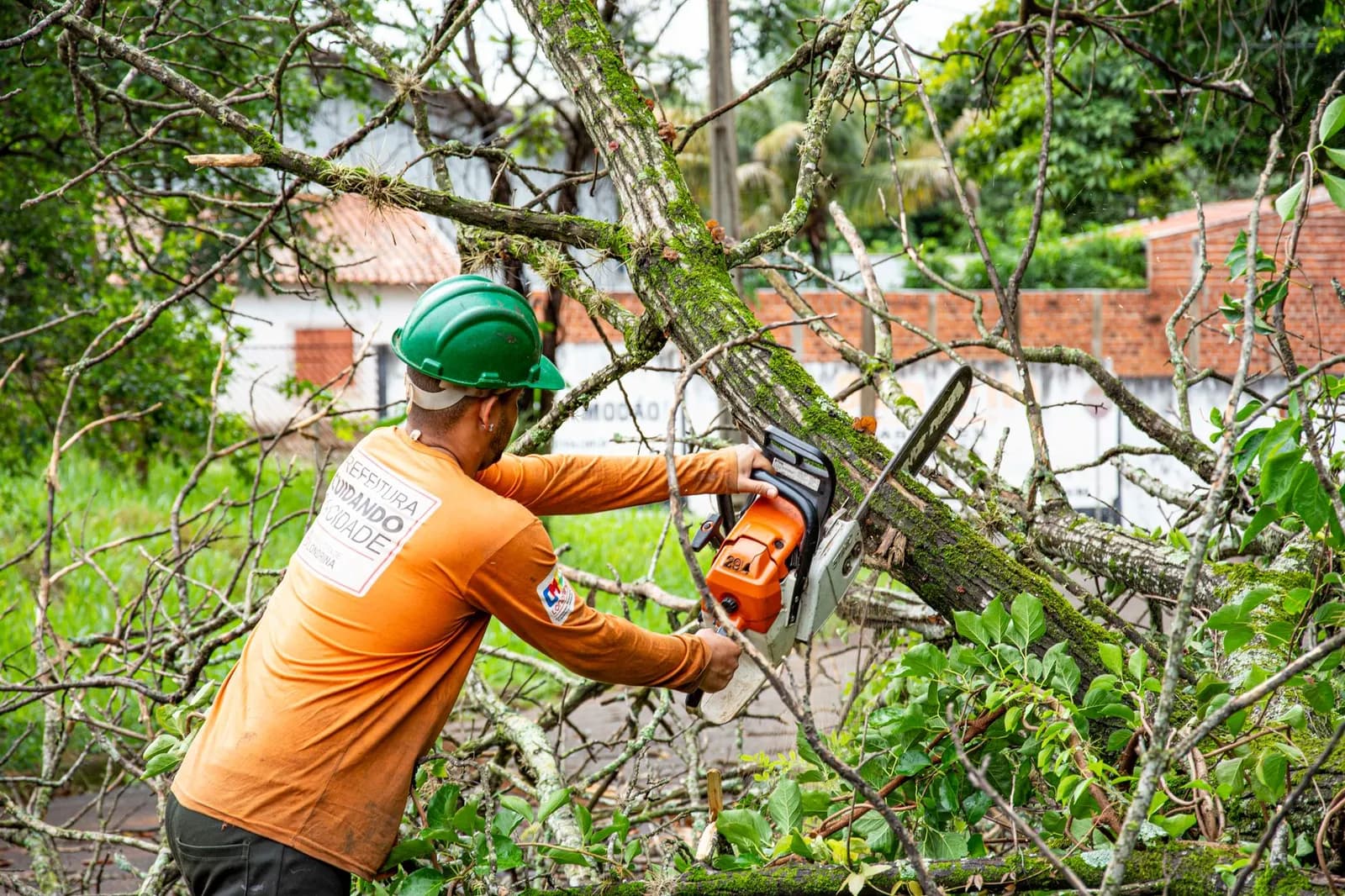
Photo by Gustavo Fring on Pexels
Match the message to where the person stopped. A visitor who read your tree removal page wants to hear about tree removal: who does it, how to get a quote, and whether you can come out soon. Tell them one thing and give them one button.
Photos of your own crews and trucks make sense here, because the visitor is trying to decide whether to trust a stranger with a chainsaw near their roof. A short review quote sits well beside them. A discount offer can be tested for the form-starters, though it's a bigger commitment than a reminder, so try it on the smallest list first.
Past customers are different. They already trust you, so the ad can be plain: seasonal pruning, or a second service they haven't used.
Frequency, exclusions and wasted spend
Google recommends that Display campaigns let the platform optimise how often an ad shows, rather than setting a manual cap. If you do set your own, the limit must be a whole number per day, per week or per month, and only viewable impressions count toward it. The cap sits in the "Frequency management" section of campaign settings and can only be added after the campaign exists, according to Google's help page on frequency capping.
Demand Gen campaigns don't support frequency capping at all. So if a campaign type is chosen for convenience, check whether you've given up the control you needed.
One more setting deserves a look. Google notes that optimised targeting can reach people outside the audience you chose, with your selections acting only as a hint, and Performance Max uses only optimised targeting. If you want ads to go to your site visitors and nobody else, pick manual targeting.
Watch the lists as well. Meta lets you set how long a visitor stays in an audience, from 1 to 180 days in its developer documentation. A short window suits an emergency service where the need is urgent. A longer one suits planned work like pruning or lot clearing, where someone may come back months later.
Where retargeting fits with the rest of your marketing
Retargeting has no audience of its own. It recycles the traffic your other channels deliver, so it works as the second half of a campaign rather than a replacement for one. If search ads or social ads aren't sending visitors, there's nobody to follow.
That makes it a sensible add-on once your Google Ads strategy or your Facebook ads are already producing clicks. It also pairs with seasonal pushes. After a storm, the people who looked at your emergency pages and didn't call are exactly who you want to reach, which is covered in our piece on storm damage marketing.
Closing the loop after the click
A retargeting ad that brings someone back to a slow or confusing site just buys you the same lost lead twice. The page they land on should show the service they saw, a phone number, and a short form.
The follow-up matters just as much. When we built the platform for TAINC, we combined lead capture, crew scheduling, AI-assisted proposals and billing in one dashboard, so a lead that came back wasn't sitting in a separate tool waiting for someone to notice. You can see how it came together in the TAINC case study.
If you want help connecting ad audiences to a website and a lead system that responds quickly, our digital marketing and growth service covers that work. Start smaller than you think you need to: one service, one list, one ad, and a month of data before you add the next.
Frequently asked questions
How many visitors do I need before retargeting works?
Google's minimum for a usable list is now 100 active users, down from 1,000 for Search campaigns, as MediaPost reported in December 2025. Smaller lists can deliver slowly, so expect limited reach at first.
Can I show retargeting ads only to people who viewed one service?
Yes. On Meta you can build a rule on the page address, and Google lets you build separate data segments for different pages. The more separate service pages your site has, the cleaner those lists are.
Should I exclude people who already contacted me?
Yes. Google supports exclusions for data segments and offers a lead form segment, so people who already submitted a request can be kept out of your retargeting campaigns.
How long should someone stay on a retargeting list?
On Meta it can be anywhere from 1 to 180 days. Choose a shorter window for urgent work like storm cleanup and a longer one for planned jobs.
Can retargeting replace my other ads?
No. It only reaches people who have already found your site, so it depends on search, social or local listings to bring them there first.
Sources
- About remarketing in Google Ads — Google Ads Help
- Use frequency capping — Google Ads Help