












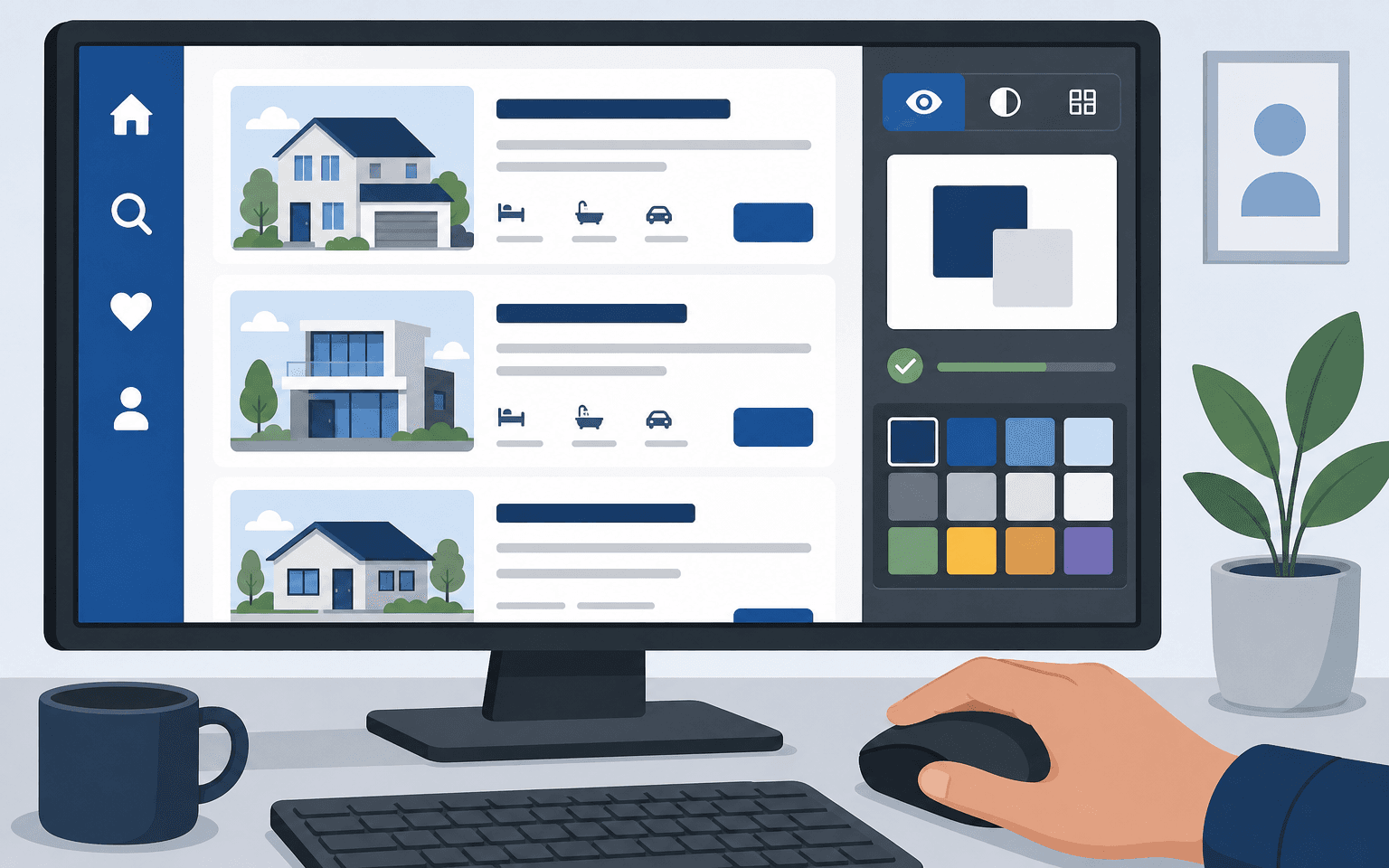
Why Real Estate UI Accessibility Shapes Success
If buyers can't use your website to search for homes or contact an agent, you lose more than a potential lead. You shut out part of your market and increase your legal risk. Real estate UI accessibility is about more than compliance. It means everyone, including people with disabilities, can find, view, and ask about properties online.
More than one billion people worldwide live with some form of disability. In the US alone, over 61 million adults are affected. Ignoring digital accessibility means missing real business and possibly breaking anti-discrimination laws that cover housing and real estate websites. Online accessibility brings fair housing principles onto the web.
Real Estate Website WCAG Compliance: What You Need to Know
The Web Content Accessibility Guidelines (WCAG) are the global standard for website accessibility. Most audits, legal frameworks, and vendor contracts cite WCAG 2.1 or 2.2 at Level AA as the baseline for commercial websites, including real estate (WCAG 2.1). WCAG asks that content is perceivable, operable, understandable, and reliable so users with different disabilities can participate.
Checking boxes isn't enough. On real estate platforms, accessibility means every step in the buyer or renter journey, from searching listings to reaching out to an agent, must work smoothly with assistive tech like screen readers and keyboard navigation.
Listing photos need alt text that describes what they show.
Forms and filters must be fully usable with a keyboard.
Important text or buttons require enough colour contrast for readability.
Form fields and interactive tools should have labels everyone understands.
This standard covers everything on your site, both features you build in-house and third-party tools such as IDX feeds or embedded maps. Even if a vendor supplies some components, website owners stay responsible for the entire site's accessibility (Accessible.org).
Accessible Proptech UI Design Beyond Minimum Compliance
Building inclusive proptech UI starts before development ends. Accessibility belongs in your plans from day one. Research shows that digital products designed around fundamentals like clear navigation, meaningful image descriptions (alt text), proper heading order, and controls sized for touchscreens help everyone (Franco).
Simple layouts load more quickly. Clear labels help visitors avoid mistakes. Responsive design keeps browsing smooth on any device.
The best teams put accessibility into wireframes and prototypes early instead of patching issues after launch. By working this way, developers spot barriers before production, saving time and reducing rework. Budgets also benefit. When accessible design is part of daily routines instead of a one-off project, compliance becomes company habit rather than an emergency fix after launch.
Making Property Search Screen Reader Friendly
A property search tool that does not work for screen reader users blocks access at the first step. Common pitfalls keep showing up across real estate sites.
Range sliders work fine with a mouse but may not function or may confuse users when accessed by keyboard or screen reader.
Interactive filters sometimes fail to announce their current value or selected option clearly enough.
Pop-up filter menus may trap keyboard focus or scramble page order so assistive technologies get lost.
User reports call out another big problem: missing or vague alternative text on listing photos leaves blind buyers guessing about basics like room layout or finishes (UsableNet). Generic terms such as "kitchen" don't help anyone make decisions. A strong alt text would say "open-concept kitchen with stainless appliances and marble counters," giving buyers context they need.
Filter panels must let users pick options like price range or bedrooms using only the keyboard. Each time focus moves between choices, their status should be announced accurately (UsableNet). If filters can't be used by assistive technology or tracking checked options breaks mid-search, you've blocked access before it even begins.
Pitfalls in Inclusive Real Estate App Design
A truly inclusive real estate app does more than shrink web features onto smaller screens; it adapts them for touch, supports orientation changes, uses accessible gestures, and makes state changes clear to assistive technology users.
Buttons and icons must be large enough to tap on mobile devices without mistakes.
Visible labels should exactly match what screen readers detect programmatically so there is no confusion between what is seen and what is heard aloud.
Any change in state, such as toggling a filter, should trigger ARIA updates immediately so assistive tech keeps users informed without delay.
Content should work in any orientation unless there is a good technical reason otherwise.
No hidden off-screen content that could break navigation order (MDN).
This approach means people can check listings whether they use desktop magnifiers or browse from a phone using voice commands.
The Role and Requirements of a Website Accessibility Statement
An accurate website accessibility statement shows openness and accountability, not just marketing intent but real operational details visitors rely on.
A strong statement covers several things: it explains why digital inclusion matters to you; names the specific WCAG level you're targeting (usually "partially conformant with WCAG 2.1 AA" while improving); lists known gaps such as particular features that are not accessible yet along with available workarounds; gives a way to contact someone who will actually respond within a set timeframe; describes how you test your site, including both automated tools and manual checks with user feedback rather than automation alone.
The best statements use plain language instead of overpromising about full compliance while parts are still under development (avp.io). They also belong where users expect them: linked clearly in your footer next to privacy policies (Web Accessibility Checker).
A clear example sounds like this: We are committed to meeting WCAG 2.1 AA wherever possible. Right now X feature has known limitations due to Y vendor's code limitations; you can request help via email; we aim to reply within five business days. Such statements build trust among visitors who check these pages before signing up or making contact.
Beyond Compliance: Why Investing in Accessibility Delivers Value
The benefits go well beyond lowering legal risk. You open your platform up to buyers and renters others overlook, including people searching specifically for homes suited to their access needs (AllAccessible).
At the same time your SEO improves because structural markup is clearer to search engines. User satisfaction rises among all audiences once friction vanishes from major journeys through your site.
The practical move is simple: treat accessibility as core product work, not just something checked at launch but ongoing maintenance backed by regular audits when new features appear or vendors change (Deque).
If you own every element customers interact with, from forms down to each filter. You cut risk while building truly inclusive branding.
If you are creating new interfaces for property search, or setting up custom IDX integrations, see our guide covering practical wireframing basics in real estate.
If there is one priority this year, put effort into writing meaningful alt text for every photo and make sure every filter or form passes automated tests and hands-on keyboard checks before release.
This opens more doors for everyone.
Sources
Accessibility Statement | Ui Real Estate — ui-real-estate.com
Real Estate Website Accessibility: Property Listing Pages and Screen Readers — blog.usablenet.com