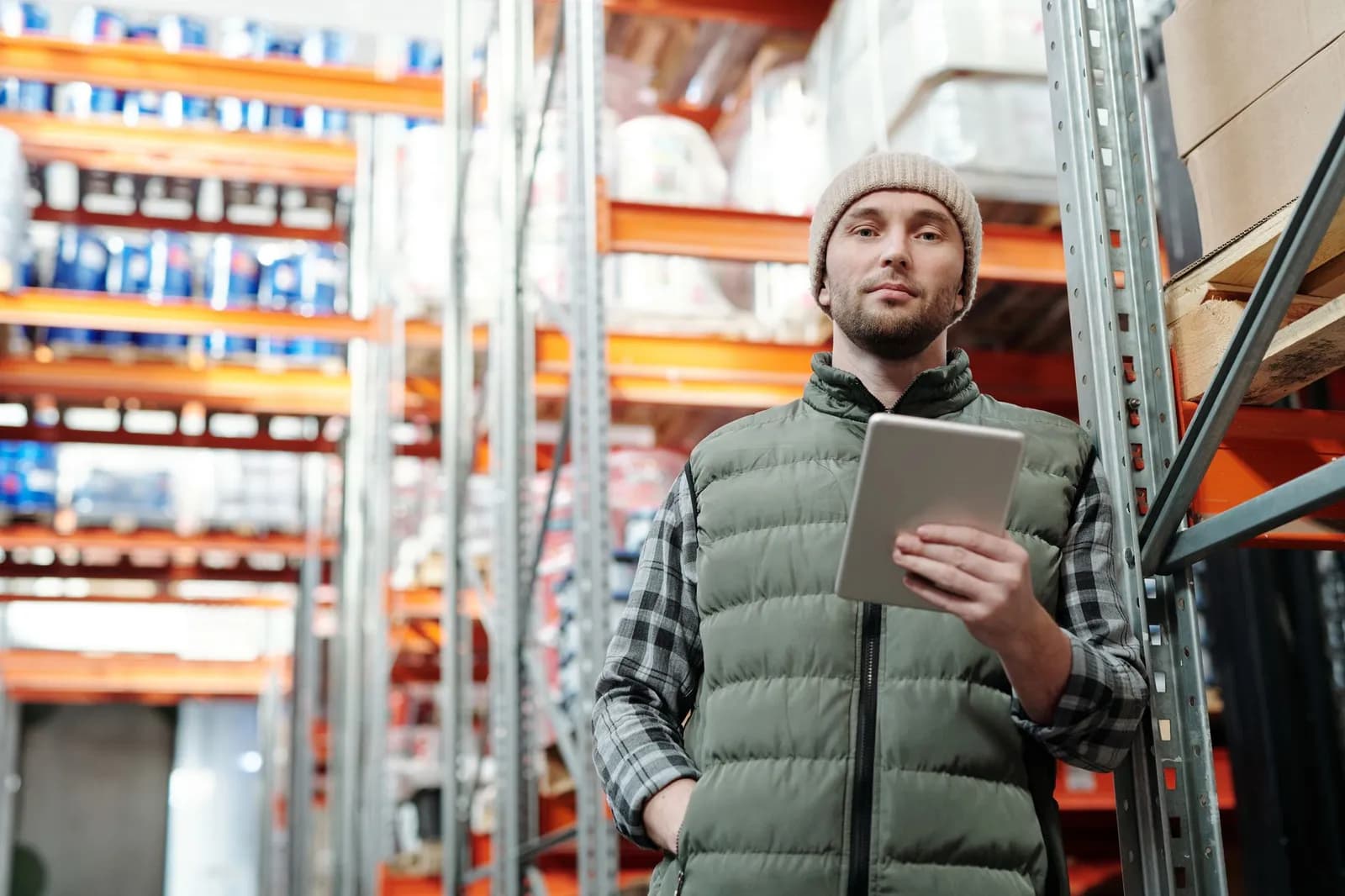
In a 2025 Zebra survey of more than 1,700 warehouse associates and decision-makers, 70% said they're worried about getting injured on the job. Most also pointed to understaffing as the reason they're running short on rest between shifts.
That's the environment logistics mobile app UX actually has to work in. Cold hands, low light, people moving fast between racks. Not someone sitting at a desk testing a prototype.
Get it wrong and the cost is a missed scan, a driver who can't find the right stop, or a worker who gives up on a handheld device that fights them all shift.
Cigo Tracker's breakdown of driver app usability puts it plainly: when an app makes drivers hunt for basic information, that time comes straight out of the delivery window, not the app's design budget.
Where Logistics Mobile App UX Actually Breaks Down
Zebra's advice for teams modernizing warehouse handhelds starts with cutting screens and clicks, not adding features. Guided prompts and built-in data validation shorten training instead of relying on a new hire to memorize a workflow.
Offline capability matters just as much. A warehouse app that stalls the moment a connection drops isn't usable in a building full of metal racking and dead zones.
Device fragmentation is its own failure point. An app built for one handset often breaks on the tablets, wearables and scanners the same floor actually runs.
None of this is exotic. It's the difference between a tool built for how the floor actually works and one built for how a screenshot looks in a pitch deck. We run into the same gap building interfaces for operational teams, not just customer-facing ones.
What Warehouse Workers Say They Need From These Apps
Warehouse worker experience isn't an afterthought to these companies, according to their own people. That same survey asked what would make the job better, and the answers point at specific tools rather than vague sentiment.
| What workers said | Share who agreed |
|---|---|
| Feel more valued when given good technology | 89% |
| Want better task management tools on their devices | 91% |
| Support ergonomic mobile devices and collaborative robots | 88% |
| Say automation would make the job more appealing to new hires | 93% |
International Fastener Show's rundown of warehouse mobile apps lists the same functions from the operations side: real-time inventory tracking, barcode scanning tied into the warehouse management system, and safety tools that let a worker report a hazard from the floor instead of walking to an office.
That overlap isn't a coincidence. What workers ask for and what shows up in operational case studies are largely the same list.
Driver Apps Answer to a Different Set of Rules
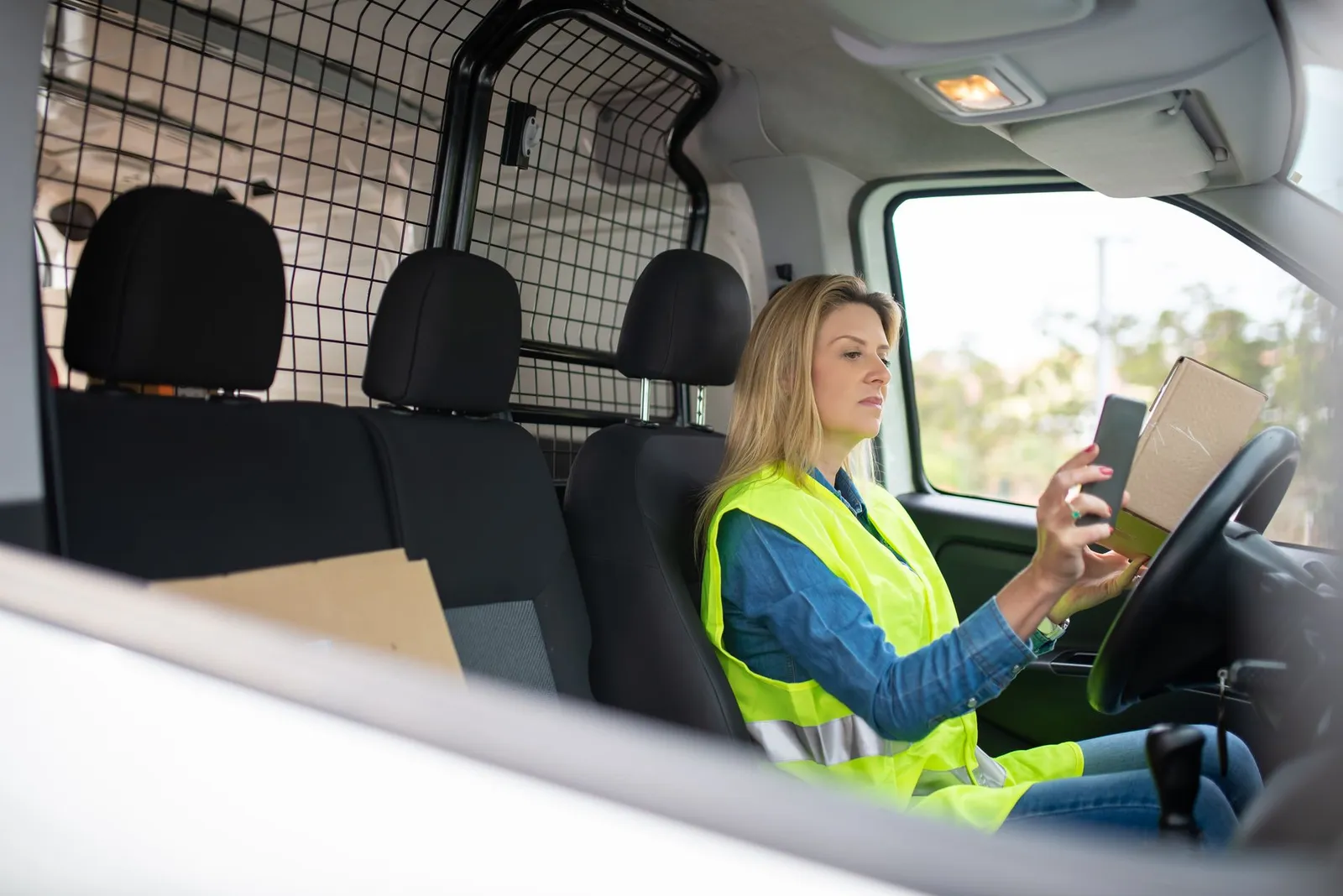
Photo by Kampus Production on Pexels
Driver app usability breaks down differently than a warehouse handheld does.
Cigo Tracker's analysis centers on three things: clear visuals that cut the mental load of reading a screen at a red light, functions that take the fewest possible steps to confirm a delivery, and navigation that surfaces the next stop without the driver hunting through menus.
A driver isn't standing still while the app loads. Every extra tap is a tap taken while merging, parking, or juggling a package. Picking shelves indoors is a different design problem, even though both apps get sold under the same logistics-software label.
Building either one well means starting from what the job actually looks like, not from a generic mobile template. That's true whether it's a patient-facing healthcare app or a driver's cab, and it's the reasoning behind how we scope custom operational apps.
A logistics company that's already struggling to get found by the buyers searching for it, something we've written about in our look at logistics AI search visibility, has even less room to lose them again inside a clunky internal tool.
Cover photo by Tiger Lily on Pexels