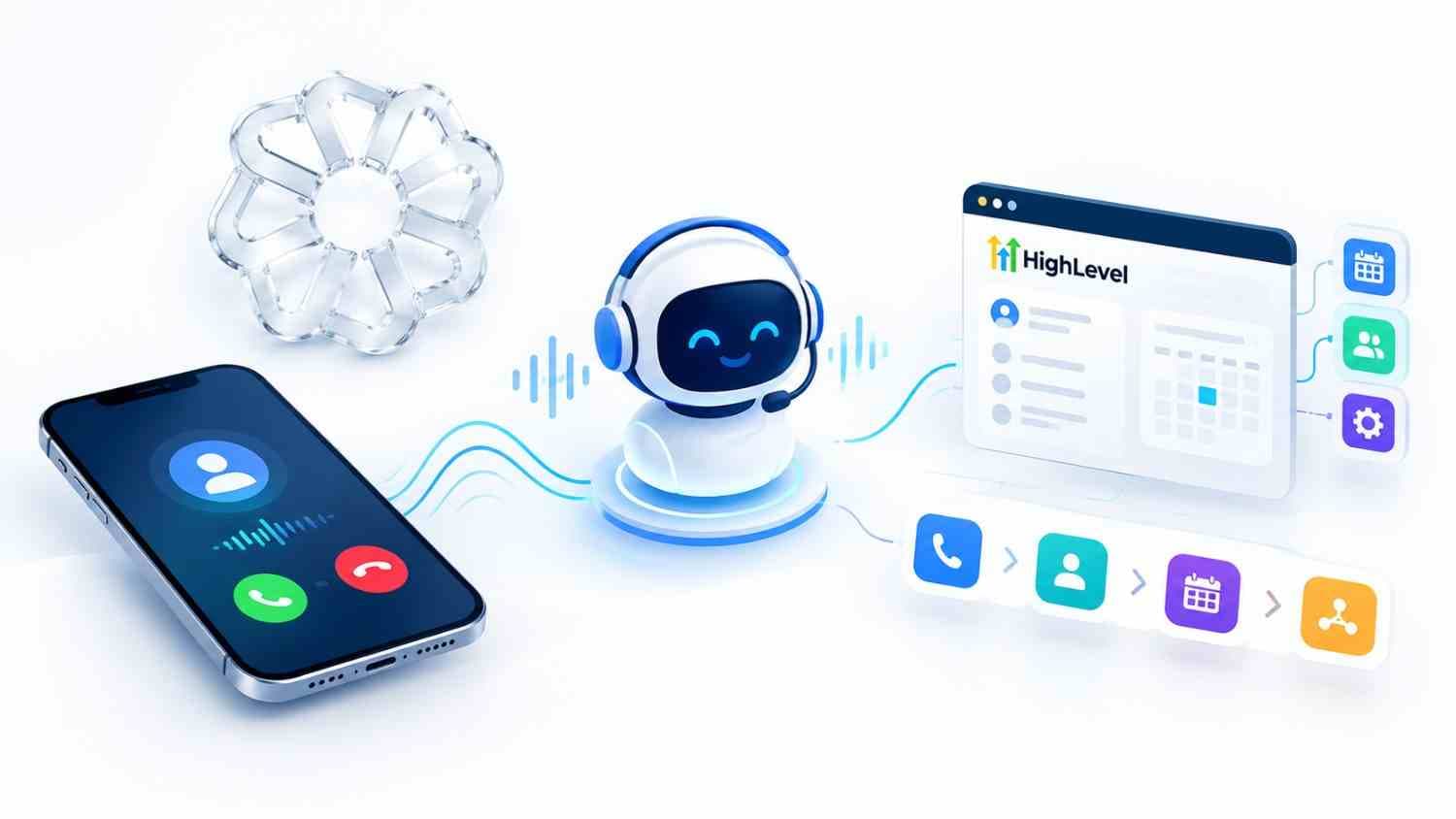
Building an AI voice agent in GoHighLevel can help businesses answer calls, qualify leads, book appointments, update CRM records, and trigger automated workflows without requiring a team member to handle every conversation manually.
In this guide, you'll learn how to build an AI voice agent in GoHighLevel, configure its goals and prompts, connect call actions, assign a phone number, test real conversations, and connect the agent to your workflows.
Whether you want an AI receptionist for inbound calls or an automated system for outbound lead follow-up, the process starts with the same core setup.
What Is a GoHighLevel AI Voice Agent?
A GoHighLevel AI voice agent is an AI-powered phone assistant that can communicate with callers using natural-sounding speech.
Depending on how you configure it, the agent can:
Answer inbound calls
Make outbound calls
Answer common questions
Collect caller information
Qualify leads
Book appointments
Send SMS messages
Transfer calls to a human
Update contact information
Trigger CRM workflows
Route conversations to the appropriate team member
The agent can do more than simply talk.
For businesses that want to connect voice conversations with CRM workflows, AI and automation solutions can bring calls, follow-ups, appointments, and lead management into one connected system.
Inbound vs. Outbound AI Voice Agents
There are two primary ways businesses can use Voice AI in GoHighLevel.
Inbound Voice AI
An inbound agent answers calls when customers or leads contact your business.
Typical use cases include:
Customer support
Lead qualification
Appointment booking
FAQ handling
Call routing
Emergency or after-hours answering
Outbound Voice AI
An outbound agent initiates calls to leads or customers.
Common use cases include:
Lead follow-up
Appointment confirmations
Missed-call follow-up
Re-engagement campaigns
Customer surveys
Sales qualification
How Does a GoHighLevel AI Voice Agent Work?
A typical AI voice agent follows a simple process:
Caller → AI Voice Agent → Conversation → CRM → Action → Workflow
For example, a potential customer calls your business.
The AI agent answers the call, asks questions, identifies what the customer needs, checks the calendar, books an appointment, updates the CRM, and can trigger a follow-up workflow.
This turns the phone call into an automated business process rather than just a conversation.
What You Need Before You Start
Before creating your AI voice agent, prepare the following:
Requirement | Why You Need It |
GoHighLevel sub-account | Where your AI agent will live |
Voice AI access | Required to create the agent |
LC Phone number | Used to make or receive calls |
Calendar | Required for appointment booking |
Business information | Gives the AI accurate context |
Transfer number | Allows human handoff |
Primary goal | Keeps the agent focused |
Call flow | Defines how conversations should work |
The more accurate your business information is, the more consistently your AI voice agent will perform.
How to Build an AI Voice Agent in GoHighLevel
Now let's go through the complete setup step by step.
Step 1: Open Voice AI in GoHighLevel
Log in to your GoHighLevel account and open the appropriate sub-account.
Go to:
AI Agents → Voice AI → Agent List
Then select:
+ Create Agent
HighLevel currently provides different ways to create a Voice AI agent, including custom agent and flow-based options.
For the latest interface and setup process, see the official Voice AI setup documentation.
Choose the option that best matches your business requirements.
Step 2: Set the Agent Details
Once you create the agent, configure its basic information.
This typically includes:
Agent name
Business name
Agent role
Voice
Language
Business information
Call purpose
Your agent's identity should be simple and specific.
For example:
"You are Sarah, the virtual receptionist for ABC Roofing. Your job is to answer incoming calls, understand what the customer needs, collect their information, and help qualified customers schedule an appointment."
Avoid giving the agent a vague instruction such as:
"You are an AI assistant."
The more specific the role, the easier it is for the agent to stay on task.
Step 3: Choose the Agent's Goals
Your AI voice agent needs a clear objective.
Depending on your setup, you may configure basic or more advanced goals.
For example, your primary goal could be:
Book qualified leads for a consultation.
Secondary goals might include:
Identify the caller.
Understand their requirements.
Collect contact information.
Determine whether they are qualified.
Check availability.
Book an appointment.
Send confirmation.
Escalate complex requests to a human.
Don't give your agent too many competing objectives.
One clear primary goal usually produces a more focused conversation.
Step 4: Write the AI Voice Agent Prompt
The prompt is one of the most important parts of the entire setup.
Your prompt tells the AI:
Who it is
What it should accomplish
What information it can provide
What questions to ask
What actions it can take
What it should never do
When to transfer the caller
How the conversation should end
A useful prompt structure is:
1. Role
Define who the AI is.
You are an AI receptionist for ABC Roofing.
2. Goal
Explain what success looks like.
Your primary goal is to qualify roofing leads and schedule qualified prospects for an inspection.
3. Business Information
Give the AI accurate information about:
Services
Service areas
Opening hours
Pricing rules
Appointment availability
Policies
4. Call Flow
Tell the AI what order to follow.
For example:
Greet the caller.
Ask how you can help.
Identify their service requirement.
Collect their name and contact information.
Ask qualifying questions.
Offer an appointment.
Confirm the appointment.
End the call professionally.
5. Rules
Add clear boundaries.
For example:
Never invent prices.
Never promise a service that the company does not offer.
Never provide information that is not included in the business knowledge.
If you are unsure, transfer the caller to a human.
6. Escalation
Tell the AI exactly when human intervention is required.
For example:
If the caller requests a refund, complains about an existing service, asks a question you cannot confidently answer, or specifically requests a human, transfer the call.
Step 5: Add Call Actions
Your AI voice agent becomes much more useful when it can perform actions instead of simply answering questions.
Depending on your GoHighLevel configuration, you can connect actions such as:
Call Transfer
Transfer the caller to a team member when human assistance is required.
SMS
Send the caller a text message containing:
Appointment information
Links
Contact details
Follow-up information
Appointment Booking
Allow the AI to check your calendar and schedule appointments.
Contact Updates
The agent can collect information and update CRM contact fields.
Examples include:
Name
Email
Phone number
Service type
Lead status
Workflow Triggers
Use the conversation to trigger automated CRM workflows.
For example:
AI call completed → Update contact → Add tag → Start SMS sequence → Notify sales team
This is where Voice AI becomes part of a larger automation system.
Step 6: Assign a Phone Number and Business Hours
Your AI agent needs a phone number.
Assign the appropriate GoHighLevel phone number to the agent and configure when the agent should answer calls.
You may want the AI to answer:
24/7
During business hours
After-hours only
When your team doesn't answer
For example:
9 AM–5 PM: Human team answers first.
5 PM–9 AM: AI voice agent handles calls.
You can also create different routing rules depending on the type of call.
Step 7: Test the AI Voice Agent With Real Calls
Never launch your AI voice agent without testing it.
Make several real calls and test different situations.
Test questions such as:
"What services do you offer?"
"How much does it cost?"
"Can I book an appointment tomorrow?"
"I need to speak with someone."
"Can you send me the information by text?"
"I want to cancel my appointment."
"I have an unusual request."
Also test difficult scenarios.
For example:
What happens if the caller gives an incorrect phone number?
What happens if the requested appointment time isn't available?
What happens if the caller interrupts the AI?
What happens if the AI doesn't understand the question?
What happens when a caller asks for a human?
Review the conversation and adjust the prompt after every important test.
You can also review HighLevel's documentation on how to create, test, and deploy Voice AI agents.
Step 8: Connect Workflows and Go Live
Once your AI voice agent performs reliably, connect it to your GoHighLevel workflows.
For example:
New Lead Workflow
Incoming call → AI qualifies lead → CRM updated → Lead tagged → Sales notification
Appointment Workflow
AI books appointment → Confirmation SMS → Reminder workflow → Calendar event
Missed Call Workflow
Missed call → AI calls lead back → Qualifies lead → Books appointment
This creates a complete automated customer journey.
Before going live, test the entire process from the first phone call through the final CRM action.
How to Add Outbound AI Calls in GoHighLevel
You can also use Voice AI for outbound calls.
A common outbound workflow looks like:
New Lead → Wait → AI Voice Call → Qualification → CRM Update → Follow-Up
For example, when a new lead enters your CRM, a workflow can trigger an AI voice call.
The agent could say:
"Hi, this is Sarah calling from ABC Roofing. You recently requested information about a roofing inspection. Do you have a quick minute?"
The agent can then qualify the lead and potentially schedule an appointment.
Outbound calling should be carefully tested and configured with applicable telemarketing and consent requirements.
Prompt Tips That Make Your AI Voice Agent Sound Human
A technically correct AI agent can still sound robotic if the prompt is poorly designed.
Use these principles.
Keep Responses Short
Voice conversations are different from chat.
Instead of giving a long explanation, the AI should communicate naturally.
Ask One Question at a Time
Avoid asking:
"What's your name, email, phone number, address, and what service do you need?"
Instead:
"May I get your name?"
Then continue naturally.
Use Natural Language
Give the agent instructions to:
Speak conversationally
Avoid unnecessary repetition
Use short sentences
Confirm important information
Pause naturally
Avoid sounding scripted
Give Clear Boundaries
The AI should know what it cannot do.
This is just as important as telling it what it can do.
Always Provide a Human Handoff
If the agent cannot confidently resolve an issue, it should know when to stop and transfer the conversation.
Common Mistakes to Avoid
1. Giving the AI Too Much Information
More information doesn't automatically mean better performance.
Give the AI the information it actually needs.
2. Writing a Poor Prompt
A vague prompt produces unpredictable conversations.
Make the role, goal, rules, and escalation process clear.
3. Not Testing Real Conversations
A prompt that looks perfect on paper may behave differently during a live call.
Always test it.
4. Forgetting Human Handoff
Not every customer interaction should be automated.
Make escalation easy.
5. Connecting Too Many Actions
Start with a simple workflow.
Once the basic system works, add additional actions.
6. Going Live Without Monitoring
Monitor early conversations and identify:
Incorrect answers
Failed transfers
Booking errors
Poor responses
Unnecessary escalations
If your business needs the complete system built—including the AI voice agent, CRM pipeline, workflows, calendars, and follow-up automation—CRM and AI automation services can handle the technical setup for you.
GoHighLevel AI Voice Agent Compliance
AI voice calling involves important legal and compliance considerations.
Before using automated or AI-generated voice calls for marketing or outbound campaigns, review the applicable laws and regulations for the countries and jurisdictions where you operate.
In the United States, businesses should pay particular attention to rules governing automated calls, consent, telemarketing, and artificial or AI-generated voices.
You can review the FCC ruling on AI-generated voice calls for additional information.
This article is educational and isn't legal advice. Businesses should obtain appropriate legal guidance for their specific calling practices.
How Much Does GoHighLevel Voice AI Cost?
The cost of GoHighLevel Voice AI depends on the AI plan, usage, selected technology, and phone-system charges.
HighLevel currently offers different AI pricing options, including pay-per-use and AI Employee plans. Voice AI usage can also vary depending on the AI model, text-to-speech provider, token usage, and phone-system charges.
Because HighLevel's pricing can change, check HighLevel's current AI pricing documentation before calculating your project budget.
How Octopi Digital Can Help
Building an AI voice agent is only one part of creating a complete automated customer journey.
The real value comes from connecting the voice agent to your:
CRM
Lead pipeline
Calendar
SMS
Email
Workflows
Sales team
Customer support system
At Octopi Digital, we build AI-powered automation systems that connect these components into one workflow. Our AI and automation services include CRM automation, AI chatbots, AI voice agents, appointment automation, email and SMS campaigns, and workflow integrations. Octopi Digital
You can also explore our HighLevel work in the GHL Prime project to see how we approach GoHighLevel CRM setup, automation, AI agents, and support. Octopi Digital
Follow Octopi Digital on Facebook for updates about AI automation, GoHighLevel, CRM systems, digital marketing, and business technology.
Facebook: [INSERT YOUR OFFICIAL OCTOPI DIGITAL FACEBOOK PAGE URL HERE]
Ready to build an AI voice agent for your business? Book a call with Octopi Digital and discuss your CRM, AI automation, and workflow requirements.
Frequently Asked Questions
Q1. Does GoHighLevel have an AI voice agent?
Ans: Yes. GoHighLevel provides Voice AI functionality that businesses can configure for inbound and outbound conversations, lead qualification, appointment booking, call routing, and CRM automation.
Q2.How long does it take to set up a GoHighLevel AI voice agent?
Ans: A basic agent can be configured relatively quickly, but a reliable production system requires additional time for prompt development, CRM integration, workflow configuration, testing, and optimization.
Q3. Do I need coding skills to build a GoHighLevel AI voice agent?
Ans: No. Basic Voice AI setup can be completed through the GoHighLevel interface. More advanced integrations may require technical knowledge, APIs, custom workflows, or professional implementation.
Q4. Can a GoHighLevel AI voice agent book appointments?
Ans: Yes. When properly configured with a calendar, the AI can help callers schedule appointments based on available times and your business rules.
Q5. Can GoHighLevel AI voice agents make outbound calls?
Ans: Yes. Outbound AI calls can be incorporated into workflows and automated campaigns, subject to the appropriate configuration and applicable legal requirements.
Q6. Do I need a GoHighLevel phone number?
Ans: For many Voice AI implementations, you'll need an appropriate phone number connected to the GoHighLevel phone system.
Q7. How much does GoHighLevel Voice AI cost?
Ans: Pricing depends on the AI plan, usage, voice provider, model, and phone-system charges. Check HighLevel's current pricing documentation before budgeting for Voice AI.
Q8. What happens if the AI voice agent cannot help the caller?
Ans: A properly configured agent should have a human handoff process. When it cannot confidently resolve an issue, it should transfer the caller or route the conversation to the appropriate team member