A hospital system earns its keep when the billing office, the ward and the pharmacy are all reading from the same record. Everything else on a feature sheet is secondary to that.
Capterra's buyer guide describes hospital management software as tools that let a facility run its day-to-day administration from a single solution, with financial accounting, patient records and appointment management at the centre. That's a useful baseline, and it also explains why shortlisting goes wrong: buyers compare feature counts when they should be comparing how well the modules share data.
What hospital management software should cover
At minimum, it should handle patient records, scheduling, billing, inventory and reporting in one connected system. Anything a department has to re-key into a second tool is a gap, whatever the brochure says.
The same guide lists the capabilities most buyers expect. In practice they split into a front-of-house group and a back-office group, and the useful question for each is who touches it every day.
- Centralised patient records and documentation
- Physician scheduling and information tracking, plus appointment management
- Medical billing and invoice generation
- Revenue cycle management and financial reporting
- Inventory management for medical equipment and supplies
It also notes that premium tiers add things like accounting integration and lab management. Treat those as the first items to price separately, because they're the ones a hospital usually discovers it needs after signing.
Billing and revenue cycle deserve the closest look
Billing is where a weak system costs money every week. A module that generates invoices but can't carry insurance details through to the claim leaves staff doing the reconciliation by hand.
Ask to see a charge entered at the bedside end up on a claim, with no export in between. If a vendor can't show that live, assume it isn't built. Our guide to medical billing software development goes through what that module involves when it's built or customised.
Patient-facing tools and communication
Records and billing serve staff. Appointment booking and follow-up are what patients see, and a system that handles both internally but offers patients nothing leaves front-desk phones as the only channel.
Many hospitals pair the core system with a separate patient relationship layer, which we cover in our look at healthcare CRM software. Whether you buy that separately or expect it inside the hospital system should be settled before you compare vendors, not after.
The guide points out that the end users include patients as well as staff, which makes usability a requirement rather than polish. That's an argument for testing the patient screens with people who've never seen them.
Interoperability and where FHIR fits
Ask every vendor how data leaves the system. A hospital rarely runs on one product, and the practical test of a platform is how cleanly it exchanges records with labs, insurers and other providers.
The standard most worth asking about is FHIR. HL7 International publishes it, and Wikipedia's entry on FHIR describes it as a way to exchange electronic health records using web technology, over REST with JSON, XML or RDF as the data format.
In the US, a 2020 CMS rule based on the 21st Century Cures Act requires FHIR APIs for patient access, provider directories and payer-to-payer exchange. The entry names Medicare Advantage organisations, Medicaid programs and qualified health plans as the parties covered, with a 2021 deadline. Hospitals aren't the named parties, but the insurers they bill are, and a system without a modern API will be the awkward one in that conversation.
The same entry lists the current releases: Release 4 arrived in 2019 and Release 5 in 2023. When a vendor says it supports FHIR, ask which release and for which workflows.
Security and compliance questions for vendors

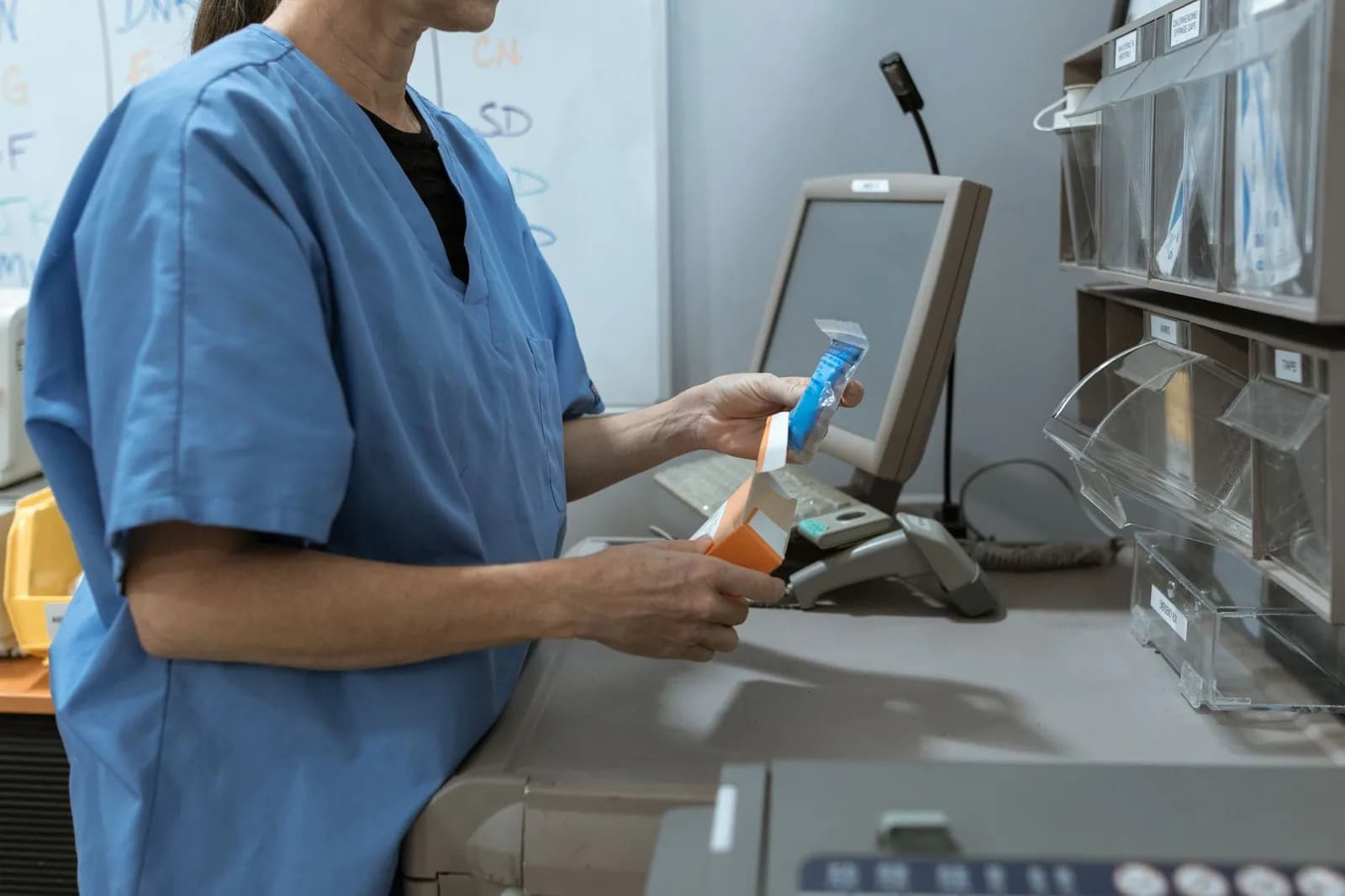
Photo by Kindel Media on Pexels
The guide also suggests asking vendors about data encryption, HIPAA compliance, mobile app availability and support for multiple locations. The first two are pass or fail. The last two decide whether the system still fits in three years.
Get the answers in writing, and ask who in the vendor's team is accountable for them. A compliance claim with no named owner tends to stay a claim.
Why rollouts stall, and it usually isn't the software
Rollout trouble comes mostly from people and process. In a survey of 112 users at a private hospital in Turkey, published in Information Technology Journal in 2006, the authors found no major problem with software, hardware, planning, support, security or the solution provider.
The difficulties they did find were organisational issues, too little contribution from end users, gaps in the users' profiles, integration across several systems, inconsistent workflows between departments, and training that was weak in content or method.
The sample was one hospital, mostly nurses and physicians, surveyed in spring 2005, and the authors say as much. It's an old study from a single site, so it doesn't prove a rule. It does match what you'd expect: a hospital whose departments run the same task three different ways will get a system that mirrors the confusion.
So map the workflows before demos begin. Put a nurse and a billing clerk in the room for every demo, and write down where their processes disagree. A design team that starts from those disagreements, as a UI/UX practice would, will give you screens people use rather than work around.
Off-the-shelf or custom?
Buy off the shelf when your workflows are close to standard and the vendor's modules cover them without bending. Build or customise when your workflows are the thing that makes you different, or when the pieces you need won't talk to each other otherwise.
We can't give you a cost comparison here, because the only published figures we found came from vendors with a sale to make. Get quotes against the same written scope from both routes, and make sure the off-the-shelf quote includes the premium modules mentioned above.
If the answer is custom, the delivery partner matters more than the framework. When we built OptimalMD's digital product, we took it end to end from design through development to launch: the website, the members portal and the mobile app. You can read how it came together in the OptimalMD case study. Our apps and SaaS work covers the same kind of product build.
Whichever route you take, finish by running a pilot in one department with real staff before committing the whole hospital. Whatever breaks there is cheaper to find at that stage.
Frequently asked questions
What is hospital management software?
It's software that lets a medical facility manage day-to-day administration, such as accounting, patient records and appointments, from a single solution.
What is FHIR and does my hospital system need it?
FHIR is a health information exchange standard published by HL7 International that uses REST and JSON, XML or RDF. A 2020 US CMS rule requires FHIR APIs from certain payers, so it's worth asking any vendor how their system supports it.
What should I ask a vendor before buying?
Buyer guides suggest asking about usability, data encryption, mobile app availability, multi-location support, HIPAA compliance, and whether the system integrates with your accounting software.
Why do hospital system rollouts struggle?
In a 2006 study of 112 users at one Turkish private hospital, the difficulties were organisational, workflow and training related rather than software problems.
Cover photo by RDNE Stock project on Pexels
Sources
- Best Hospital Management Software — Capterra
- Fast Healthcare Interoperability Resources — Wikipedia