Mobile app development
Firebase developers for app back ends, auth and push notifications
Octopi Digital's Mobile app team sets up and maintains Firebase back ends for iOS, Android and web apps. We configure sign-in, design Firestore data models around how your app actually reads data, and write security rules so users can only see what they should. Cloud Functions handle tasks such as payment webhooks and notifications, and Cloud Messaging delivers push alerts. We also add Crashlytics and Analytics so you can see problems and usage. For apps that outgrew a quick Firebase setup, we fix open rules, rising read costs and messy data structures.

- Category
- Mobile app development
- Handled by
- Our mobile app team
Overview
What is Firebase?
Firebase is Google's app development platform, offering services such as authentication, the Cloud Firestore database, cloud functions, push messaging, crash reporting and hosting. It lets mobile and web apps run without managing your own servers.
Official Firebase website (opens in a new tab)Signs you need a Firebase expert
- 01Your Firestore security rules still allow anyone to read or write data.
- 02Your Firebase bill jumped and nobody knows which feature is responsible.
- 03Push notifications work on Android but not iPhone, or the other way around.
- 04App screens load slowly because they fetch far more documents than they display.
- 05You have API keys or payment logic sitting inside the app instead of on a server.
What businesses hire us to do with Firebase
- Sign-in and user profiles for a booking app for a salon chain
- Real-time job status updates between office and field crews
- Push reminders for appointments at a dental practice
- Photo storage for inspection reports from a home inspector
- Stripe payment webhooks for a membership app
- Crash and usage monitoring for a startup's first mobile release
Want this working for your Firebase setup?
Book a free strategy call and we'll show you where to start.
What we do
What we do with Firebase
Firebase set up with sound security rules, sensible data models and costs you can predict.
- 01
Authentication setup
Email, phone, Google and Apple sign-in are configured with the right account linking and verification. User profiles are created consistently so the rest of the app can rely on them.
- 02
Firestore data modeling
We design collections and documents around the screens that read them, which keeps queries fast and read counts reasonable. Indexes are planned rather than added in a panic.
- 03
Security rules that hold up
Many Firebase apps ship with rules that are far too open. We write and test rules so each user and role can access only their own data.
- 04
Cloud Functions
Server-side logic such as Stripe webhooks, scheduled jobs, emails and data cleanup runs in Cloud Functions. Secrets stay on the server, not in the app.
- 05
Push notifications
Firebase Cloud Messaging is set up for iOS and Android, with topics or user targeting for reminders and alerts. Notification permissions are requested at a moment that makes sense to users.
- 06
Monitoring and cost control
Crashlytics, Analytics and budget alerts are configured so you see crashes, usage and spending. We track down the queries and listeners that drive unexpected bills.
When Firebase is the right choice
Apps that need to launch quickly
Firebase provides sign-in, database, storage and notifications without building and hosting a server from scratch.
Real-time features
Chat, live status updates and shared lists benefit from Firestore's real-time listeners.
When another back end fits better
Apps with heavy relational data, complex reporting or strict SQL needs are often better served by PostgreSQL or Supabase.
Does this sound like your business?
If Firebase should be doing more for you, our mobile app team can set it up, fix what's broken or build on it. Tell us where you're stuck.
- Free strategy call
- No obligation
- Straight answers
Projects
Projects we build with Firebase
The kinds of Firebase projects our team takes on, and what each one includes.
- 01Tree services, plumbers and field service teams
Real-time job status board for office and field crews
We build a Firebase back end that keeps job status in sync between the office screen and crew phones as work moves along. Dispatchers see when a crew arrives, starts and finishes without calling to ask.
- Firestore job records
- Live status updates
- Role-based access rules
- Crew mobile app connection
- 02Salons, clinics and appointment-based businesses
Sign-in, profiles and push reminders for a booking app
We set up Firebase Authentication, user profiles and Cloud Messaging behind a booking app so customers log in and get reminders before visits. Fewer people forget appointments and the business keeps one record per customer.
- Email and phone sign-in
- Customer profile data
- Scheduled push reminders
- Security rules setup
- 03Home inspectors and property assessors
Photo storage and report back end for a home inspector
We build a Firebase back end where inspection photos upload from the phone, attach to the right report and stay organized by property. The inspector finishes the report from the office with every photo already in place.
- Cloud Storage photo uploads
- Report data structure
- Cloud Functions for PDFs
- Access rules per inspector
How we work
How our mobile app team runs a Firebase project
- 01
Audit or design
We review an existing project's rules, data and costs, or design a new one around your app's screens and users.
- 02
Configure core services
Authentication, Firestore, Storage, Functions and Messaging are set up with separate development and production projects.
- 03
Connect and test
We connect the app, test security rules against real scenarios and check behavior on iOS and Android.
- 04
Monitor and refine
After launch we watch Crashlytics, usage and billing, then tune queries and rules as the app grows.
Ready to start your Firebase project?
Step one is a free strategy call. We map what you need, then tell you exactly what we'd build and what it would take.
- Free strategy call
- No obligation
- Straight answers
Our work
More work from our mobile app team

Platform
TreeROI

Platform
TrustPatrick

Website
OptimalMD
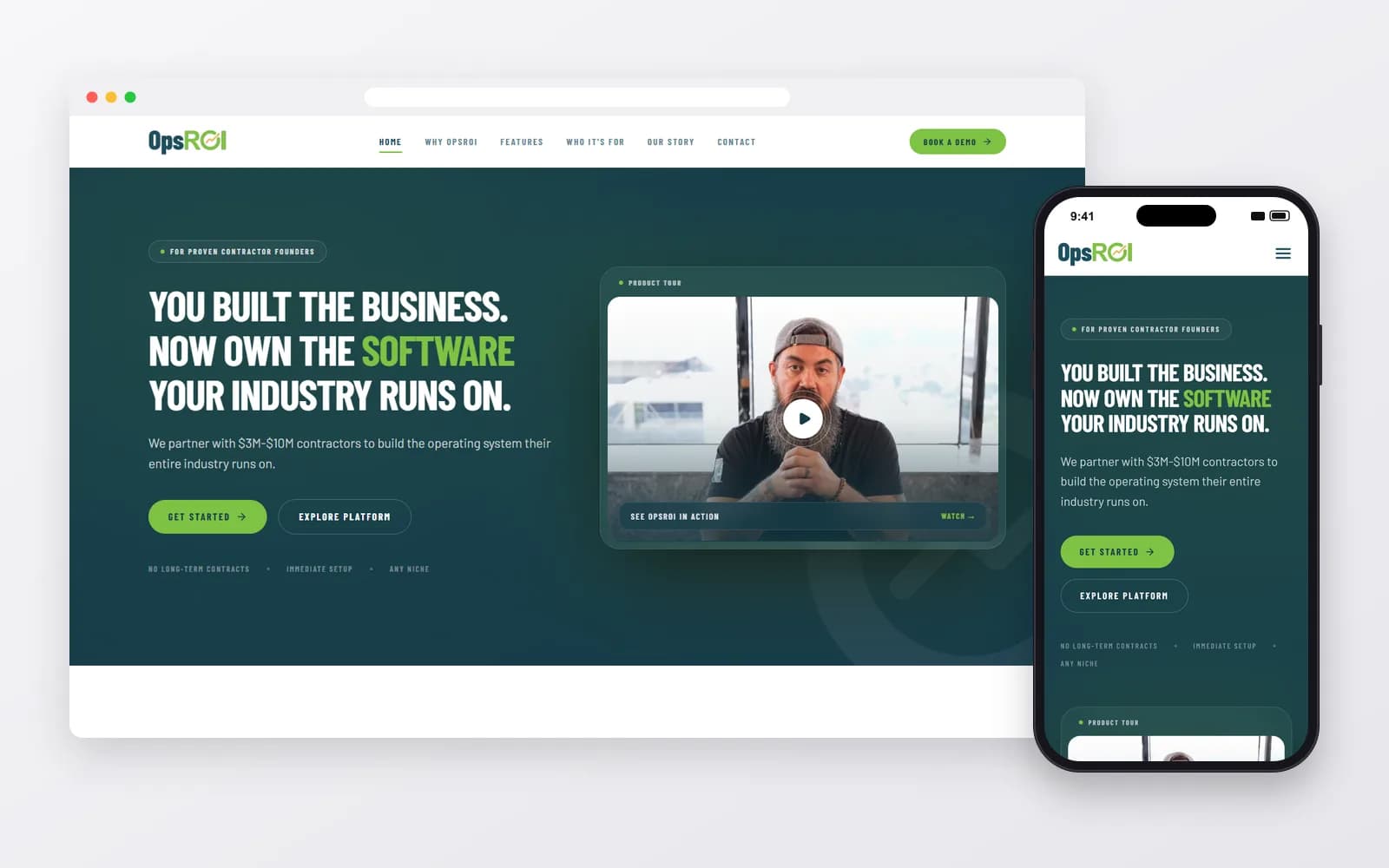
Platform
OpsROI


Integrations
What we connect Firebase with
Tools we often wire into Firebase so data moves on its own. Each one has its own page.







Work like this, built for your business
Our mobile app team works across Firebase and the tools around it, so your setup is connected from day one, not patched together later.
- Free strategy call
- No obligation
- Straight answers
Alternatives
Firebase alternatives, and when to pick them
- vs
Firebase vs Supabase
Choose Supabase if you want a PostgreSQL database with SQL queries and relational data, while keeping built-in auth and storage.
About Supabase - vs
Firebase vs Amazon Web Services
AWS fits teams that need fine-grained control over infrastructure and plan to scale complex back-end systems.
About Amazon Web Services - vs
Firebase vs MongoDB
MongoDB with your own API suits apps that want a document database without tying the back end to Google's platform.
About MongoDB



Full comparisons with Firebase
Not sure Firebase is the right fit?
We work with the alternatives too, so you'll get a straight answer on which one suits your business, even if it's not Firebase.
- Free strategy call
- No obligation
- Straight answers
FAQ
Firebase questions
Straight answers about working with us on Firebase.
8 questions answered

Still have a question?
Talk it through with our team on a free strategy call.
Mobile app development
More Mobile app development tools we use
React Native
Apps · SaaS
One shared codebase, two native apps in the App Store and Google Play, planned and maintained by one team.
How we use itFlutter
Apps · UI/UX
Flutter apps that look the same on every phone, built in Dart by a team that also handles design and launch.
How we use itSwift
Apps · UI/UX
Native iPhone and iPad apps in Swift, built to Apple's standards and ready for App Store review.
How we use itKotlin
Apps · UI/UX
Native Android apps in Kotlin that run well across the huge range of Android phones and tablets.
How we use itExpo
Apps · SaaS
React Native apps built on Expo, with cloud builds, store submissions and over-the-air fixes set up properly.
How we use it

Want Firebase set up properly?
Tell us what you're trying to get done. We'll tell you honestly whether Firebase is the right tool for it, and what we'd build first.

