Mobile app development
Expo developers for React Native builds, updates and app releases
Octopi Digital's Mobile app team builds iOS and Android apps, and on React Native projects we often use Expo to simplify the parts of mobile development that slow teams down. We set up Expo Router for navigation, configure EAS Build so builds run in the cloud, automate store submissions with EAS Submit, and use EAS Update to ship small fixes without waiting on a full store review where the rules allow it. We also migrate older React Native projects onto Expo and resolve native module conflicts, so your team spends time on features instead of build configuration.

- Category
- Mobile app development
- Handled by
- Our mobile app team
Overview
What is Expo?
Expo is an open-source framework and set of cloud services for building, deploying and updating React Native apps. Its EAS services handle cloud builds, store submission and over-the-air updates.
Official Expo website (opens in a new tab)Signs you need a Expo expert
- 01Every app release depends on one developer's laptop being set up correctly.
- 02Small bug fixes wait days for store review when they could ship as an update.
- 03Your Expo SDK is several versions behind and upgrading keeps breaking things.
- 04You need a library with native code and are not sure whether it works with Expo.
- 05Your React Native project has no clear separation between development, testing and production builds.
What businesses hire us to do with Expo
- Startup MVP app shipped to both stores from one small team
- Event app that needs schedule changes pushed quickly during the event
- Customer portal app for a SaaS product with preview builds for QA
- Booking app for a cleaning company with frequent copy and pricing updates
- Moving a bare React Native app onto Expo tooling
- Internal field app distributed to testers before company-wide rollout
Want this working for your Expo setup?
Book a free strategy call and we'll show you where to start.
What we do
What we do with Expo
React Native apps built on Expo, with cloud builds, store submissions and over-the-air fixes set up properly.
- 01
New apps on Expo
We start React Native projects with Expo, TypeScript and Expo Router so navigation follows the file structure. Your app is running on real devices from the first week.
- 02
EAS Build pipelines
iOS and Android builds run in Expo's cloud with separate profiles for development, preview and production. Nobody on your team needs a perfectly configured Mac to ship.
- 03
Over-the-air updates
With EAS Update, JavaScript fixes and content changes can reach users without a new store release. We set up channels so testers see changes before customers do.
- 04
Automated store submission
EAS Submit sends builds to App Store Connect and Google Play. We pair it with versioning rules so releases are predictable.
- 05
Native modules and config
When an app needs a library with native code, we use config plugins and development builds instead of ejecting. Custom native modules are written when no library fits.
- 06
Migrating older projects
Bare React Native apps can be moved onto Expo tooling step by step. We clear out outdated dependencies so future SDK upgrades are routine.
When Expo is the right choice
Small teams shipping to both stores
Expo removes much of the native build setup, which suits startups and lean teams releasing on iOS and Android.
Frequent small changes
Apps that change content or fix issues often benefit from over-the-air updates and preview channels.
When it may not apply
If you are not using React Native at all, for example a Flutter or fully native app, Expo is not part of the picture.
Does this sound like your business?
If Expo should be doing more for you, our mobile app team can set it up, fix what's broken or build on it. Tell us where you're stuck.
- Free strategy call
- No obligation
- Straight answers
Projects
Projects we build with Expo
The kinds of Expo projects our team takes on, and what each one includes.
- 01Early-stage founders and small startup teams
Startup MVP app for iOS and Android from one codebase
We use Expo to build and ship a first version of your app to both stores from one codebase, with sign-in, core screens and payments. Small fixes and copy changes can go out as over-the-air updates without waiting on store review.
- Core feature screens
- Sign-in and accounts
- Over-the-air updates
- App store submissions
- 02Cleaning, pressure washing and home-service companies
Booking app for a cleaning company with frequent price changes
We build an Expo app where customers book a clean, pick add-ons and pay a deposit. Prices and service options come from your back end, so the owner can change them without a new app release.
- Service and add-on booking
- Deposit payments
- Remote pricing config
- Booking reminder pushes
- 03Service companies with field staff
Internal field app rolled out to testers before company-wide use
We build an Expo app for your own staff and send preview builds to a small group of testers before everyone gets it. Feedback from the field shapes the app before the whole team relies on it.
- Preview build channels
- Staff sign-in
- Form and photo screens
- Crash and error reporting
How we work
How our mobile app team runs a Expo project
- 01
Review or plan
For new apps we plan scope and structure; for existing ones we audit the SDK version, dependencies and build setup.
- 02
Set up the tooling
We configure EAS Build profiles, update channels, environment variables and submission credentials.
- 03
Build features
App features are built with Expo libraries where possible and shared with you through preview builds.
- 04
Release and update
We submit to both stores and use over-the-air updates for eligible fixes after launch.
Ready to start your Expo project?
Step one is a free strategy call. We map what you need, then tell you exactly what we'd build and what it would take.
- Free strategy call
- No obligation
- Straight answers
Our work
More work from our mobile app team

Platform
TreeROI

Platform
TrustPatrick

Website
OptimalMD
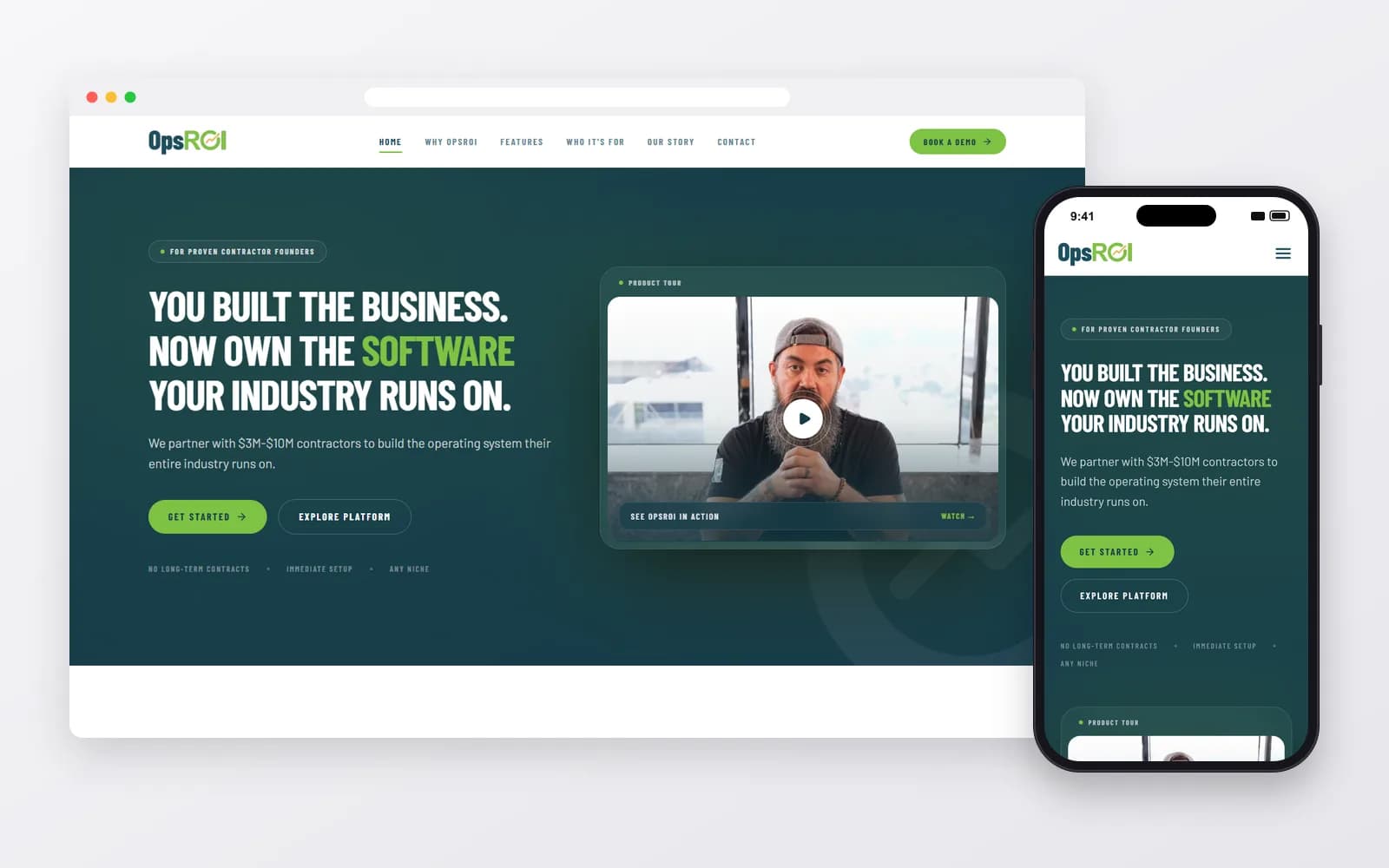
Platform
OpsROI


Integrations
What we connect Expo with
Tools we often wire into Expo so data moves on its own. Each one has its own page.






Work like this, built for your business
Our mobile app team works across Expo and the tools around it, so your setup is connected from day one, not patched together later.
- Free strategy call
- No obligation
- Straight answers
Alternatives
Expo alternatives, and when to pick them
- vs
Expo vs React Native
A bare React Native setup without Expo can make sense for teams with established native build pipelines and custom native code.
About React Native - vs
Expo vs Flutter
Flutter offers a different cross-platform approach with its own tooling, suited to teams working in Dart.
About Flutter

Not sure Expo is the right fit?
We work with the alternatives too, so you'll get a straight answer on which one suits your business, even if it's not Expo.
- Free strategy call
- No obligation
- Straight answers
FAQ
Expo questions
Straight answers about working with us on Expo.
8 questions answered

Still have a question?
Talk it through with our team on a free strategy call.
Mobile app development
More Mobile app development tools we use
React Native
Apps · SaaS
One shared codebase, two native apps in the App Store and Google Play, planned and maintained by one team.
How we use itFlutter
Apps · UI/UX
Flutter apps that look the same on every phone, built in Dart by a team that also handles design and launch.
How we use itSwift
Apps · UI/UX
Native iPhone and iPad apps in Swift, built to Apple's standards and ready for App Store review.
How we use itKotlin
Apps · UI/UX
Native Android apps in Kotlin that run well across the huge range of Android phones and tablets.
How we use itFirebase
Apps · SaaS
Firebase set up with sound security rules, sensible data models and costs you can predict.
How we use it


Want Expo set up properly?
Tell us what you're trying to get done. We'll tell you honestly whether Expo is the right tool for it, and what we'd build first.

