Google ranks local search results on three factors: relevance, distance and prominence, and a restaurant Google Business Profile really only controls two of them. Distance comes down to wherever the person searching happens to be standing.
Relevance and prominence are the parts an owner can actually shape, and most restaurants leave both half-finished.
Relevance comes from how completely a profile matches what someone typed into Google.
Prominence comes from how well-known the business looks, judged partly by the links pointing to it and partly by review volume and rating. Google states plainly that there's no way to pay for a better spot in that ranking, so the profile itself has to do the work.
What a Restaurant Google Business Profile Needs First
A profile only feeds Google what it's given. Hours, category, attributes and address have to match reality exactly, because relevance gets measured against how well those details line up with what a searcher typed.
Once that's accurate, the rest is about keeping it current. A profile with last year's hours or a closed patio listed as open is telling Google the opposite of what it needs to hear.
Turning a PDF Menu Into Something Google Reads
Google's menu editor lets a restaurant list items by section, appetizers, mains, dessert, each carrying its own description and price.
It can also build that structure on its own: upload a photo or PDF of the menu and Google's AI reads out the section names, item names, descriptions and prices automatically. There's one hard limit on that shortcut, though.
The full menu has to fit on a single page and be captured in one photo for the AI conversion to work. A multi-page PDF won't convert by itself.
Google will also pull menu details straight from a restaurant's own website and use them, with an option to opt out if that's not wanted.
A menu that lives as a real, crawlable page on the restaurant's own site, rather than a flattened PDF, gives Google source material to read instead of a scan to guess at. That's one more reason a properly built restaurant website pays off past the homepage.
Whatever changes get made, expect them on Maps and Search within 24 to 48 hours, not instantly.
Photos, Reservations and Ordering Links

Photo by Anna Shvets on Pexels
Google's own restaurant page lists what shows up once a profile is filled in: photos of the food, special offers, and a direct line to bookings through Reserve with Google.
That booking link lets someone reserve a table or join a waitlist without leaving the search results page.
Restaurants in select countries can also connect an online ordering provider, so takeout and delivery options sit right on the profile instead of sending someone off to hunt for a third-party app.
None of that earns a click if the photos are dark, cropped in a hurry on someone's phone, or years out of date.
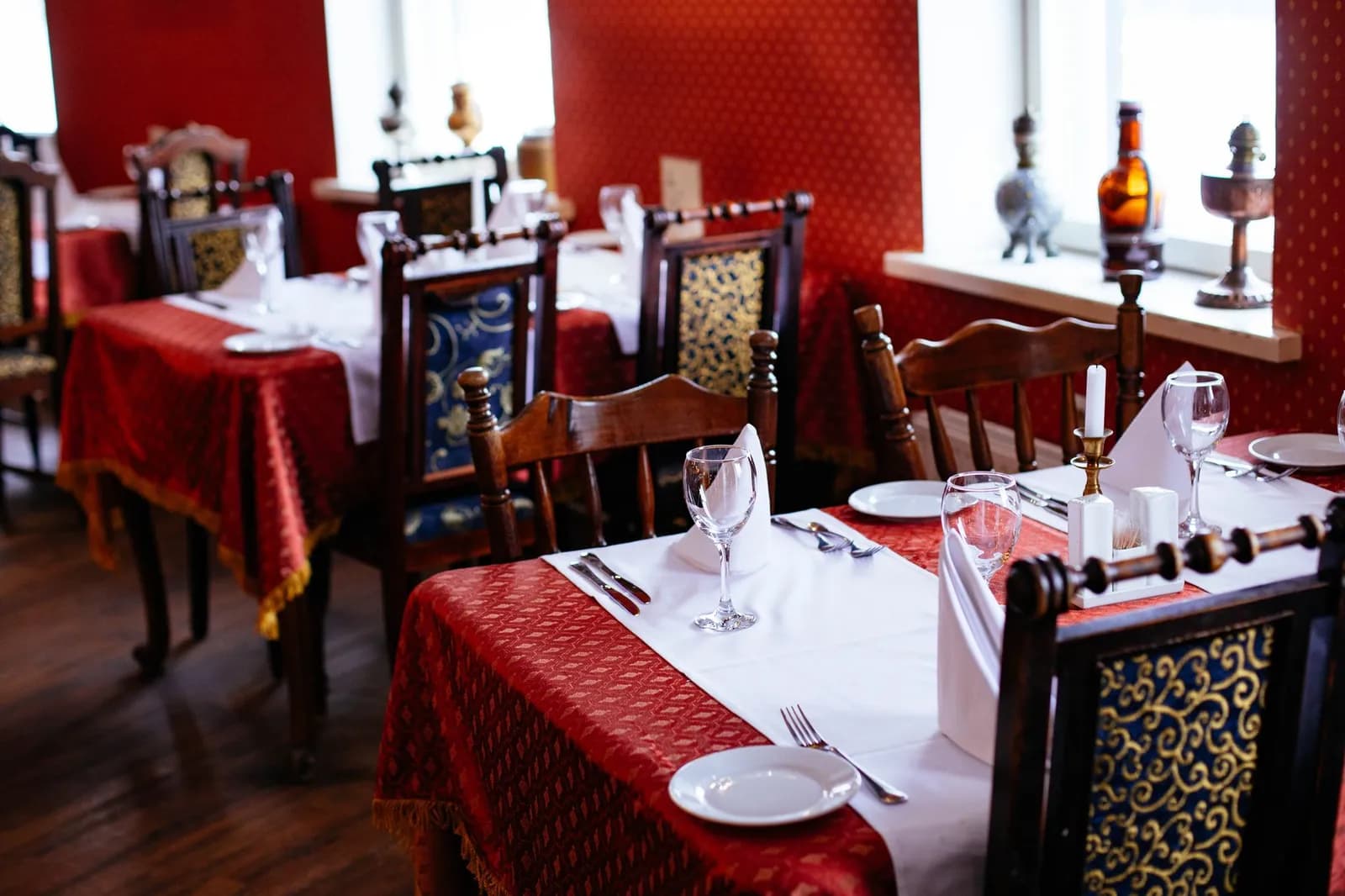
Real photography of the dining room and the plates that actually go out is what makes the rest of the profile worth opening.
Reviews Carry More of the Ranking Than the Rest
Prominence, the third ranking factor, leans heavily on reviews.
Google says more reviews and higher ratings help a business's local ranking, alongside the links pointing to it from elsewhere on the web. Responding to reviews sits in that same bucket, one more piece of the signal Google is already measuring.
We've written before about how review response speed changes a Google listing's momentum for a very different kind of business. The mechanics hold up just as well over a dinner table as over a software trial.
A restaurant Google Business Profile never really finishes. Hours change, menus rotate, and new reviews land daily.
Treating it as ongoing local marketing work beats treating it as a form filled out once and forgotten.
Cover photo by Valeria Boltneva on Pexels
Sources
- About the menu editor — Google Business Profile Help
- Restaurant Solutions: Menu & Presence - Google Business Profile — Google