











GoHighLevel SaaS mode turns an agency account into a subscription business: a client pays through a link, and the platform creates their sub-account, loads your template and starts billing them monthly. It sits on one plan only, and the automation stops well short of running the business for you.
This guide covers what it costs to get access, how the setup runs, which parts of the service you still build by hand, and who it suits.
What GoHighLevel SaaS mode does
SaaS mode lets you sell subscriptions directly from your website, which is how HighLevel's own pricing FAQ describes it. You package features into plans, attach a pre-built template, and every paying customer gets a separate sub-account with their own CRM, pipelines and automations.
The packaging happens in the SaaS Configurator. HighLevel's January 2026 post on bundling marketplace apps into SaaS plans shows how far that goes: you can add free or paid apps to a plan and bundle them into tiers aimed at a niche, such as real estate agents or fitness professionals.
That niche angle is the practical selling point. A generic CRM competes with everything. A CRM preloaded with a specific industry's pipelines, follow-up sequences and booking flows competes with almost nothing, because the buyer isn't comparing features, they're buying a ready-made setup.
If you've already looked at the reseller side, our breakdown of the GoHighLevel white label CRM and what each plan includes covers the branding half of the picture.
Which plan includes it, and what it costs
Only the top plan includes SaaS mode. On HighLevel's pricing page, that's Agency Pro at $497 a month; the $297 Unlimited plan does not have it.
| Plan | Monthly price | Sub-accounts | SaaS mode | Rebilling |
|---|---|---|---|---|
| Starter | $97 | 3 | No | No |
| Unlimited | $297 | Unlimited | No | Phone and email, no markup |
| Agency Pro | $497 | Unlimited | Yes | Phone and email, with markup |
Read the last column carefully. Without markup you can pass usage costs on at cost, but you can't earn on them, and usage is where a software product with texting and calling built in makes its extra margin.
The price you pay is only the floor. HighLevel's help center has separate articles on activating SaaS mode, requesting payment and configuring phone rebilling, which tells you the billing side has real settings to get right before the first customer arrives.
How the setup runs, step by step
A September 2026 guide from Brandblast, a company that sells a content tool for HighLevel users, puts the switch itself at ten minutes. The rest of the work sits around it.
- Upgrade to Agency Pro.
- Connect Stripe with live keys. Test mode prevents sub-accounts from being created, and the agency and the sub-account running checkout must use the same Stripe account.
- Build the plan in the SaaS Configurator: pricing, features, the template to attach, add-ons, apps, trial days, credits and usage billing.
- Sell it with the copy-sale-link button, or put an order form on your own funnel.
When someone buys, the platform creates their sub-account, applies the template and sends a welcome email. Nothing after that moment is automated unless you build it.
The template that every customer receives
The template, called a snapshot, is the product. Customers don't see the billing logic; they see whatever you loaded into the account on day one.
Build it in a dedicated template sub-account and keep it lean. Ship workflows switched off or in draft, so nothing texts a new client's contacts before they've finished onboarding.
Then comes the maintenance question. Pushing updates to existing customers overwrites the workflows already in their sub-accounts, so test a change on one account before sending it to fifty. A client who customised a workflow and finds it replaced will not blame the platform.
For a deeper look at what goes inside a good template, see what you can build with GoHighLevel automation workflows.
What you still build yourself

Photo by Cup of Couple on Pexels
A subscription link gets you a sale. Keeping the customer is a separate job, and the platform leaves it to you.
Start with onboarding. The template can't run the buyer's onboarding, because the buyer isn't a contact inside their own sub-account.
You build that sequence in your agency account instead, triggered by the order form or the payment event. The guide suggests five to seven steps: an internal alert and tag at signup, a kickoff booking text, a nudge on day one, a check-in on day three, then follow-ups on days seven and fourteen.
Failed payments need more attention. A toggle can lock an account when the Stripe subscription becomes canceled, past due, incomplete or incomplete-expired, and it sends no warning of its own. Without a dunning workflow, a client with an expired card finds out when their software stops working.
The suggested fix is email and text at hour zero, another pair at day two and a task for an account manager at day five. You decide whether the lockout toggle stays on behind that runway or stays off while the sequence does the work.
Trial-ending reminders, a cancellation save flow and a periodic usage review round out the service layer. A 30-step onboarding built on day one is hard to debug once it has real customers, so start with fewer steps and add the rest as problems appear.
Who it suits, and who should wait
SaaS mode suits agencies that already live in HighLevel and want recurring software revenue on top of service fees. If you can't yet deliver client work well inside the platform, reselling it multiplies the problem.
It's also a weaker fit if you want a differentiated product. You are reselling HighLevel's functionality under your name; your advantage comes from the niche, the template and the onboarding, never from the software. A customer who outgrows the template has to be rebuilt around, and that's a real limit.
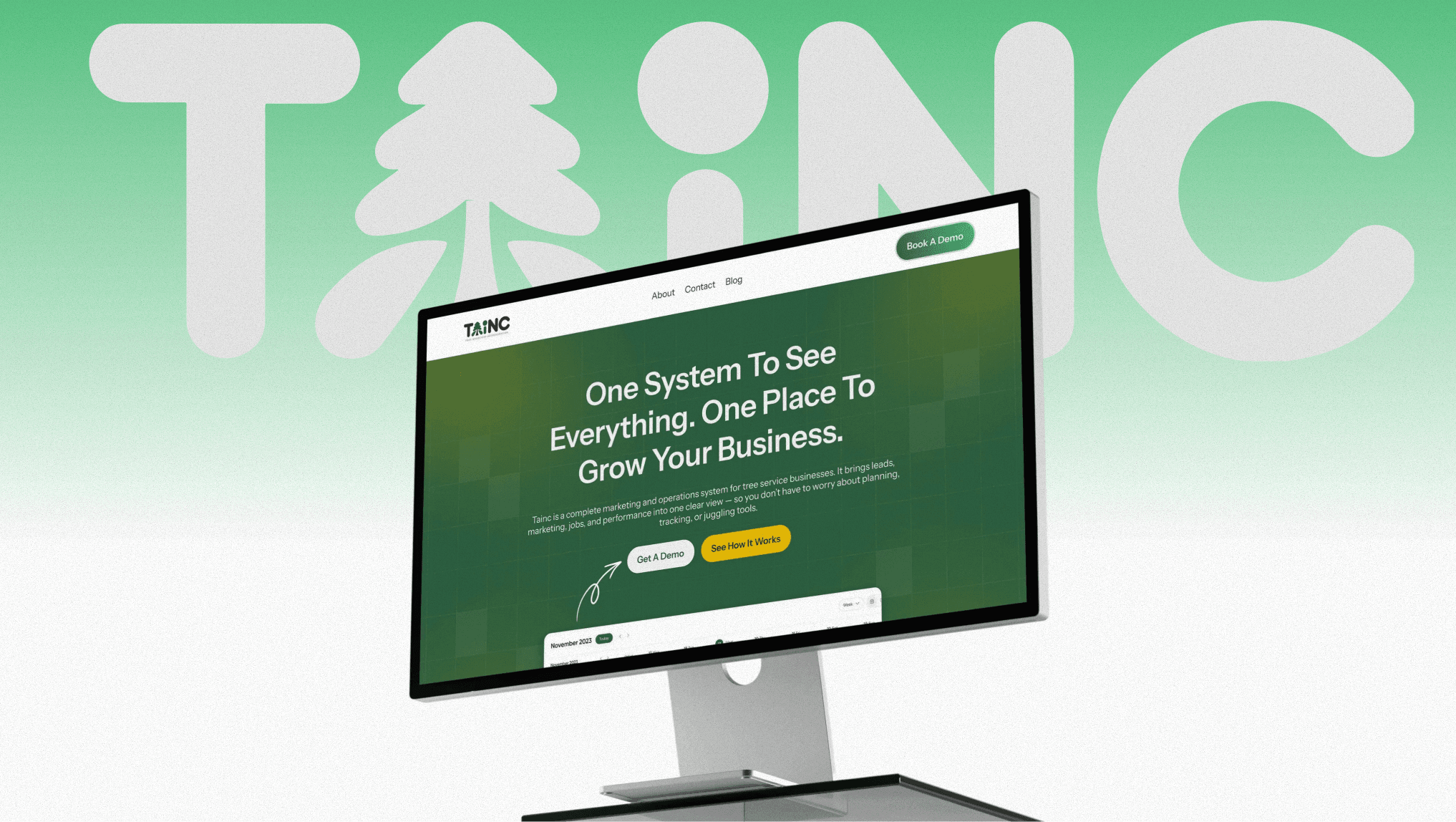
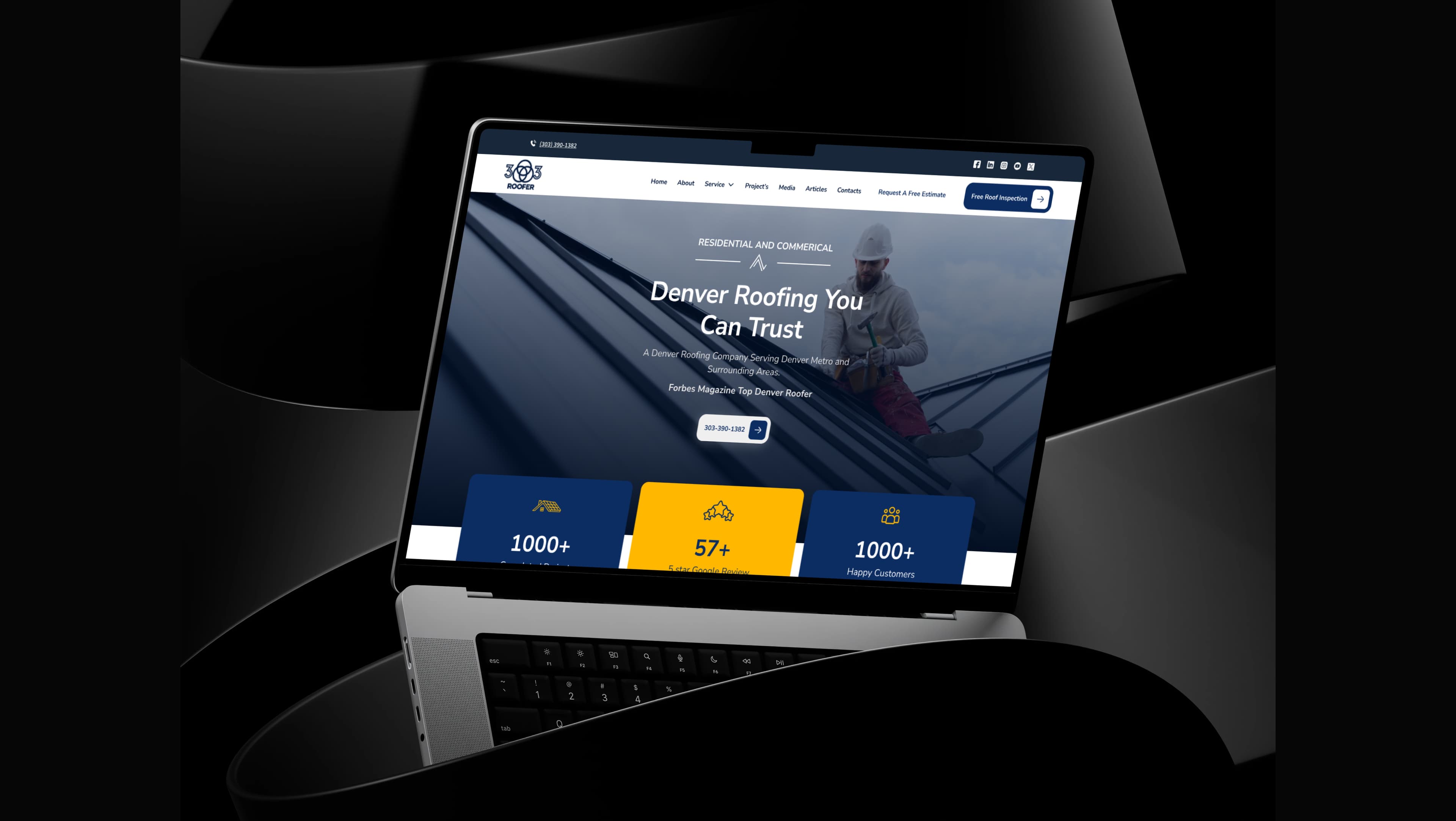
That's where custom development enters the picture. When a niche needs behaviour a template can't provide, such as crew scheduling, proposals and billing in one place, it becomes a product design question rather than a configuration one. When we built the all-in-one growth platform for TAINC, we designed and built it end to end as one dashboard combining lead capture, crew scheduling, AI-assisted proposals and billing, which is the kind of scope a configured template can't reach.
Teams weighing that jump can read about our apps and SaaS development work, and the AI and automation services we offer cover the workflow side for accounts that stay on the platform.
One more planning point: if your agency also needs a CRM for its own pipeline, the comparison in best CRM for marketing agencies in 2026 helps you decide whether HighLevel should be that system at all.
Frequently asked questions
Can clients upgrade their own plan?
Only if you enable it in Advanced Settings. Changes you start as the agency mean updating the location's features manually, and a subscription can only switch within the same billing interval, so monthly to monthly or annual to annual.
Can I mark up SMS, email and AI usage?
Yes, on top of the subscription, according to the guide's reading of HighLevel's FAQ, though it documents no specific markup rate. The pricing page confirms markup on phone and email rebilling is an Agency Pro feature.
Can I convert an existing client into a SaaS subscription?
HighLevel's help center includes a dedicated article on converting an existing sub-account to a SaaS mode subscription plan. It sits alongside articles on permissions, and on the fix for sub-accounts that aren't being generated.
What happens if I cancel SaaS mode?
Remaining wallet credits are forfeited, and once SaaS mode is disabled, transaction history goes with it. Export that history first.
Cover photo by Boris Hamer on Pexels
Sources
- HighLevel pricing — HighLevel
- Sell more with HighLevel's SaaS configurator — HighLevel