








Seven out of ten shoppers who put something in a cart never pay for it.
Baymard Institute's research, last updated in September 2025 across 50 separate studies, puts the average cart abandonment rate at 70.22%. That isn't a sign people don't want the product. Usually it's the shipping cost, a checkout that asks too much, or a shopper who simply got distracted before finishing.
Ecommerce follow-up automation is how you win some of that back, but only if the message that lands in someone's inbox doesn't read like it was written for no one in particular.
What Ecommerce Follow-Up Automation Is Actually Worth
The gap between automated and scheduled email is bigger than most stores assume. Omnisend's 2026 ecommerce marketing report, built from 27 billion emails sent by 150,000 brands in 2025, found automated emails earned $2.87 per send against $0.18 for scheduled campaigns.
Automations made up just 2% of total sends, yet they generated 30% of all email-driven revenue.
Nearly all of that revenue came from a small handful of flows. Abandoned cart and welcome messages alone drove 76% of every automation-generated order.
Back-in-stock alerts converted better than any other automation type in the report, at 6.46%.
That's the case for building these flows with AI and automation in the first place. It isn't the case for sending more email.
Where the Abandonment Actually Comes From
Baymard's research breaks down why shoppers who weren't just browsing left anyway, and the reasons point mostly at the checkout, not the follow-up email meant to fix it afterward.
| Reason given | Share of non-browsing abandonments | What it points to |
|---|---|---|
| Extra costs too high (shipping, tax, fees) | 40% | Show total cost earlier in the flow |
| Delivery too slow | 20% | Surface shipping speed before checkout |
| Didn't trust site with card details | 19% | Trust signals at the payment step |
| Forced account creation | 18% | Offer guest checkout |
| Checkout too long or confusing | 17% | Cut steps and fields |
A recovery email can't undo a checkout that lost someone's trust. Fixing that sits closer to UI/UX and the store build itself than to the email tool.
Keeping the Message From Reading Like a Form Letter

Photo by Jakub Zerdzicki on Pexels
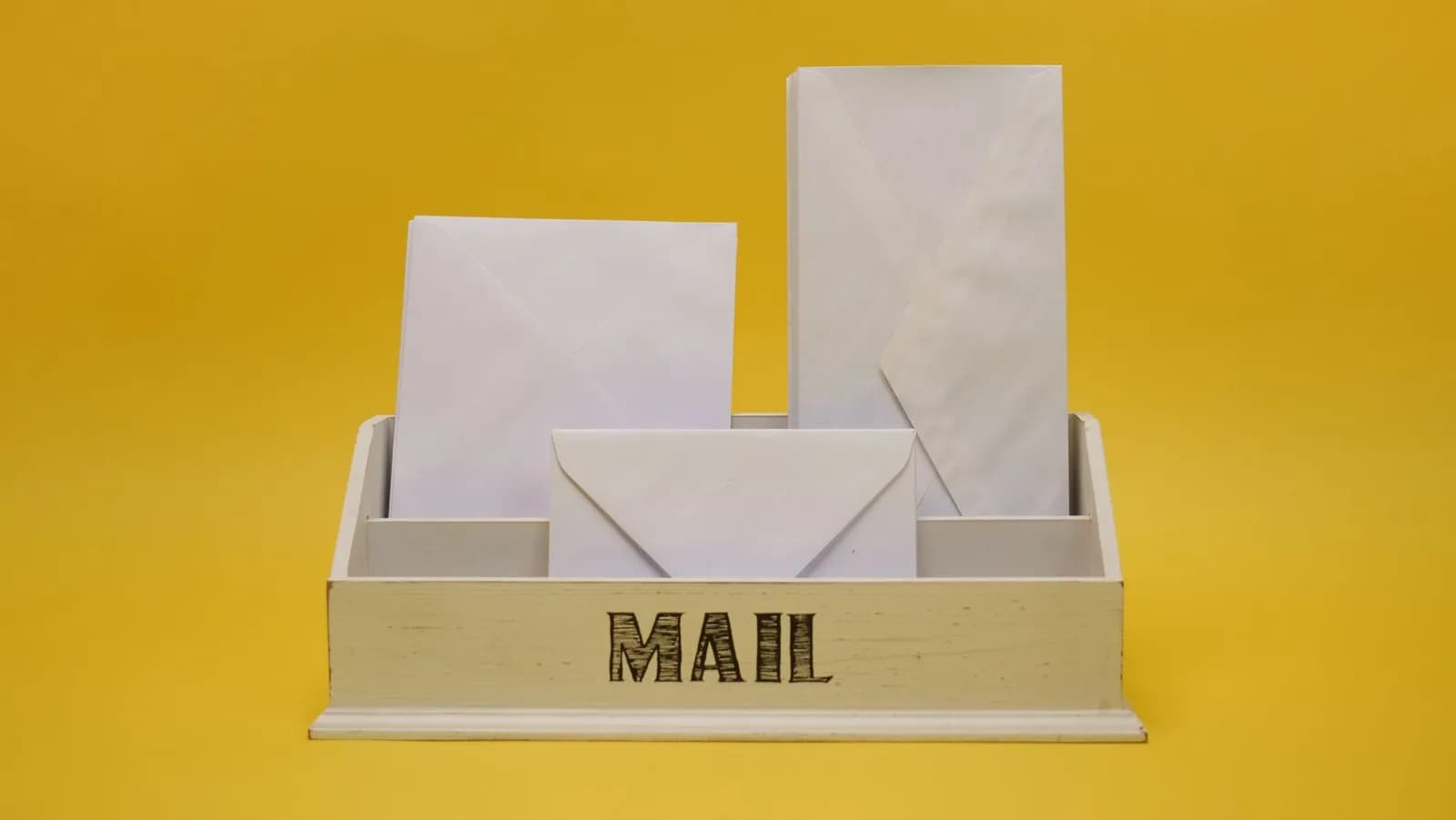
The best-performing flows in Omnisend's data, cart abandonment, welcome, and back-in-stock, share one trait. Each fires off something specific that actually happened: a product left behind, a signup, an item coming back into stock.
A first-name merge tag doesn't do that. Reference the actual item someone looked at, show it, and stop there.
Don't stack three reminders into the same day hoping one lands. Space them out, and let the last one carry something the first two didn't, a genuine question about what stopped the purchase, not a louder discount.
Skip the fake urgency too. A countdown timer on a discount that resets tomorrow is easy for a shopper to spot, and it costs more trust than the recovered sale is worth.
This is also where a marketing team that owns the full funnel pays off. The follow-up email is only as honest as the offer behind it.
Start with the two flows the data already backs: cart abandonment and welcome. They're the ones doing most of the work in Omnisend's numbers, and they're the easiest to get right before you add a third.
Cover photo by Nataliya Vaitkevich on Pexels
Sources
- 41 Cart Abandonment Rate Statistics — Baymard Institute
- 2026 Ecommerce Marketing Report — Omnisend