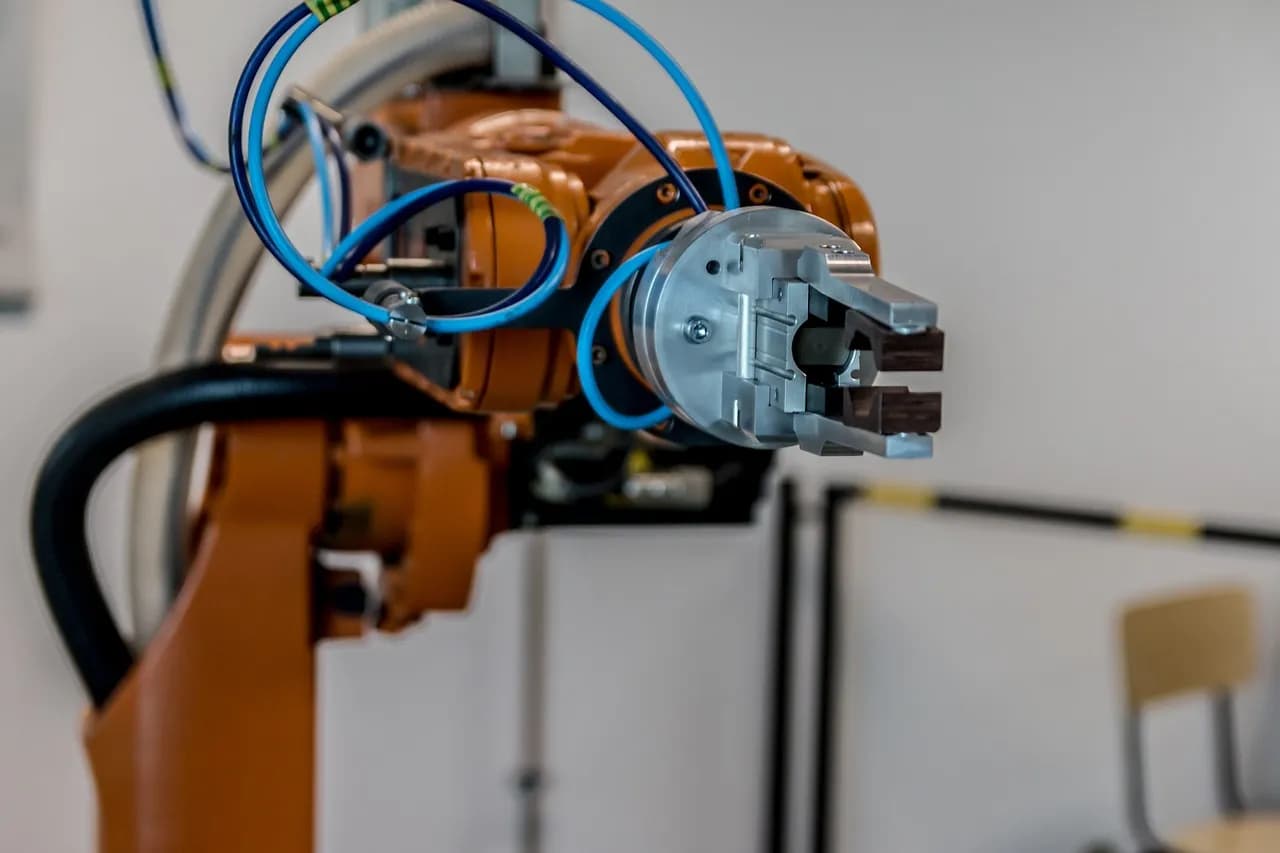
AI Agents vs Chatbots: Why the Distinction Matters
For teams evaluating automation, the "AI Agents vs Chatbots" question is more than a matter of terminology. Both technologies use natural language interfaces, and to an end user, they can look identical. But the differences beneath the surface drive everything from project cost to customer satisfaction. Choosing the wrong tool can mean overspending on features you don’t need—or, worse, investing in technology that fails to deliver real business value. Understanding where chatbots end and AI agents begin is the first step to making automation work for your organisation.
What Is a Chatbot? (Secondary keyword: chatbot capabilities)
A chatbot is software designed to hold a conversation, typically via text, by following predefined rules or scripts. Modern chatbots often use large language models (LLMs) to generate more natural responses, but their core function remains reactive: they answer questions, collect information, or direct users to the right resource. Chatbots excel at handling predictable, high-volume tasks—think FAQs, business hours, password resets, or order status checks. Their logic is bounded: if the user stays within the anticipated flow, the experience is smooth; if not, the bot either apologises or escalates to a human. According to Kayako, chatbots typically resolve only about 14–30% of customer service issues without human intervention. The rest are escalated, making chatbots best suited for triage rather than resolution.
What Is an AI Agent? (Secondary keyword: AI agent autonomy)
An AI agent is software that can reason, remember context, and take actions across systems to achieve a goal—not just answer questions about it. Unlike chatbots, agents operate autonomously: they can read a customer’s history, decide on the next best action, execute tasks like processing a refund or updating a database, and confirm the outcome—all without human input for routine cases. This autonomy is the defining feature. AI agents are built to resolve issues, not just deflect them. As AG4Tech puts it, "A chatbot talks. An agent does." This difference is why agents can handle complex, multi-step workflows that chatbots cannot, such as troubleshooting, lead qualification, or end-to-end order management.
Key Differences: A Side-by-Side Comparison (Secondary keyword: automation workflows)
Dimension | Chatbot | AI Agent |
|---|---|---|
Core Job | Conversation (answers questions) | Task execution (achieves goals) |
Behavior | Reactive (waits for input) | Autonomous (acts, plans next steps) |
Tool Use | Limited, pre-scripted | Dynamic, can call APIs and tools as needed |
Memory | Session-limited | Can track context across tasks and sessions |
Best For | FAQs, lead capture, simple support | Multi-step workflows, automation, transactions |
Cost per Task | Lower | Higher, but offset by scope |
Setup Complexity | Low | Medium to high |
For a deeper dive into how these architectures shape real-world automation, see our AI & Automation service overview.
Why the Confusion? (Secondary keyword: agent-washing)
The terms "AI agent" and "chatbot" are often used interchangeably, especially in product marketing. This confusion is partly because both are built on similar underlying technologies, such as LLMs, and share a conversational interface. However, as Buildberg and Orange ITS highlight, many tools marketed as "AI agents" are in fact chatbots with a few extra integrations—a phenomenon known as "agent-washing." According to Gartner’s mid-2025 research, only about 130 out of thousands of vendors marketing "AI agents" were genuinely agentic. The practical test is whether the system can autonomously plan and execute multi-step workflows, or if it simply follows a script and hands off to a human when things get complex.
How Each One Works: Under the Hood
Chatbot process: Receive message → generate reply → wait for next input. The logic is fixed, and any tool calls are hardcoded into the flow.
AI agent process: Receive goal → perceive relevant data → reason about next steps → plan actions → use tools/APIs → observe results → repeat until the goal is achieved or escalation is needed. This loop allows agents to adapt dynamically, making them suitable for open-ended, multi-step tasks.
For more on how these architectures impact user experience, see our UI/UX solutions.
When to Use a Chatbot vs an AI Agent
Choose a chatbot for high-volume, predictable queries like FAQs, store hours, or basic lead capture. Chatbots are fast, cheap, and easy to deploy. As noted by Kayako, about 62% of customers prefer a chatbot for quick, simple questions.
Choose an AI agent when tasks require context, multi-step reasoning, or real-world actions—such as processing refunds, updating records, or troubleshooting. Agents are better suited for workflows where the next step depends on the outcome of the previous one and cannot be fully mapped in advance.
For businesses scaling digital operations, our Web & E-Commerce team can help assess which automation fits your needs.
Cost, Speed, and Reliability: The Practical Trade-Offs
Chatbots are typically much cheaper and faster than agents. In early 2026, Buildberg measured chatbot conversations costing $0.001–$0.01 per turn, with sub-second latency. Agents, by contrast, cost $0.03–$0.30 per turn and take 4–15 seconds per response. This cost is justified only when the task requires reasoning, dynamic tool use, or multi-step execution. For workflows that can be fully mapped as a flowchart, a chatbot or workflow automation is usually the right choice. For open-ended problems where the right next step depends on real-time data, an agent is necessary.
How to Spot a Real Agent (and Avoid Agent-Washing)
Tool selection at runtime: Can the system pick which tool to call based on the situation, or are actions hardcoded?
Looping and re-evaluation: Does the system re-plan after each step, or just follow a script?
Goal-driven stop condition: Does the agent stop when the goal is achieved, or only when the conversation ends?
Observable traces: Does the system leave logs of actions taken (e.g., records updated, emails sent), or just a transcript?
Before buying, ask vendors to demo a full unattended workflow and show action logs. If they cannot, you are likely looking at a chatbot, regardless of the label.
Risks, Oversight, and Guardrails
Because chatbots only generate text, their risks are generally limited to incorrect or unhelpful answers. AI agents, however, can take real-world actions—issuing refunds, updating records, or sending emails. This autonomy means mistakes can have tangible consequences. Responsible agent deployments require robust guardrails: permission limits, audit logs, and clear escalation paths. As noted by AG4Tech and Orange ITS, always ask what systems an agent can write to, how it handles unexpected conditions, and whether it provides an audit trail.
Hybrid Architectures: The Best of Both Worlds
Many organisations deploy a hybrid setup: a chatbot handles the front-line triage, and hands off to an agent when a request requires reasoning or multi-step action. This approach combines the cost and speed advantages of chatbots with the flexibility and autonomy of agents for complex cases. The handoff point is critical and should be designed based on real workflow needs.
Choosing the Right Tool for Your Workflow
The "AI Agents vs Chatbots" decision is not about which is smarter, but which architecture fits your business problem. Start by mapping your workflow—if you can draw it as a simple flowchart, a chatbot or workflow automation is likely sufficient. If the workflow has branches, requires system writes, or involves multi-step decision-making, an agent is the better fit. Over-investing in agent capability for simple tasks wastes budget; under-investing leaves you manually completing steps the tool cannot reach.
For further reading on how to design automation for business growth, explore our Digital Marketing & Growth services.
Cover photo by Matheus Bertelli on Pexels
Cover photo by u_rffnzzbgba on Pixabay